Jump rope counter: count skips with the camera, or by sound too
How TouchTally counts jump rope with the iPhone camera, how Count by sound adds the microphone to hear the rope, and how the two counts are merged at the end.
Short answer
TouchTally counts jump rope with the iPhone camera: prop the phone 2–3 m away, start, and every jump is counted live. Turn on Count by sound and the app also listens for the rope with the microphone, then merges the camera and sound counts when you stop. Both are free, sound is analysed on the phone, and nothing is recorded from the microphone.
Counting skips in your head falls apart quickly, especially when you are out of breath. TouchTally counts them for you, so you can focus on your feet and your breathing.
How the camera counts jump rope
Jump rope is one of the free drills. The camera follows the up-and-down of your body and counts one rep for each jump. While you skip, the live screen shows:
- The count in large type, with a light haptic tap for each jump and an optional spoken count every 10 reps.
- BODY MOTION — Hip height, a chart of the last few seconds where each bump is one jump.
- PACE (jumps per minute), REP INTERVAL (time between jumps) and TIME.
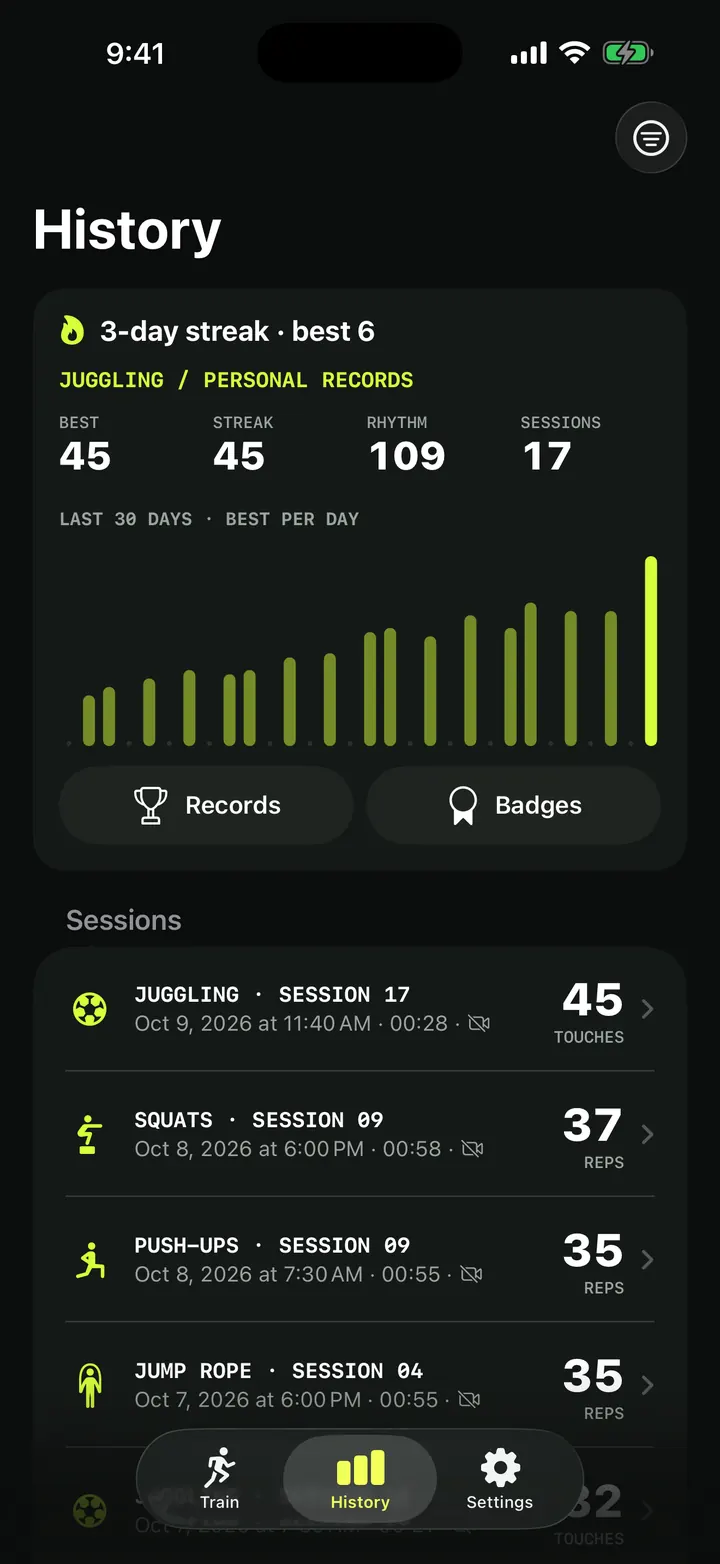
A pause of more than about 1.2 seconds ends your current run. That matters for BEST STREAK on the result screen: it is your longest run of jumps without a stop.
Count by sound
The rope makes a sharp sound each time it hits the floor. Count by sound uses that sound as a second counter next to the camera.
Turn on Count by sound
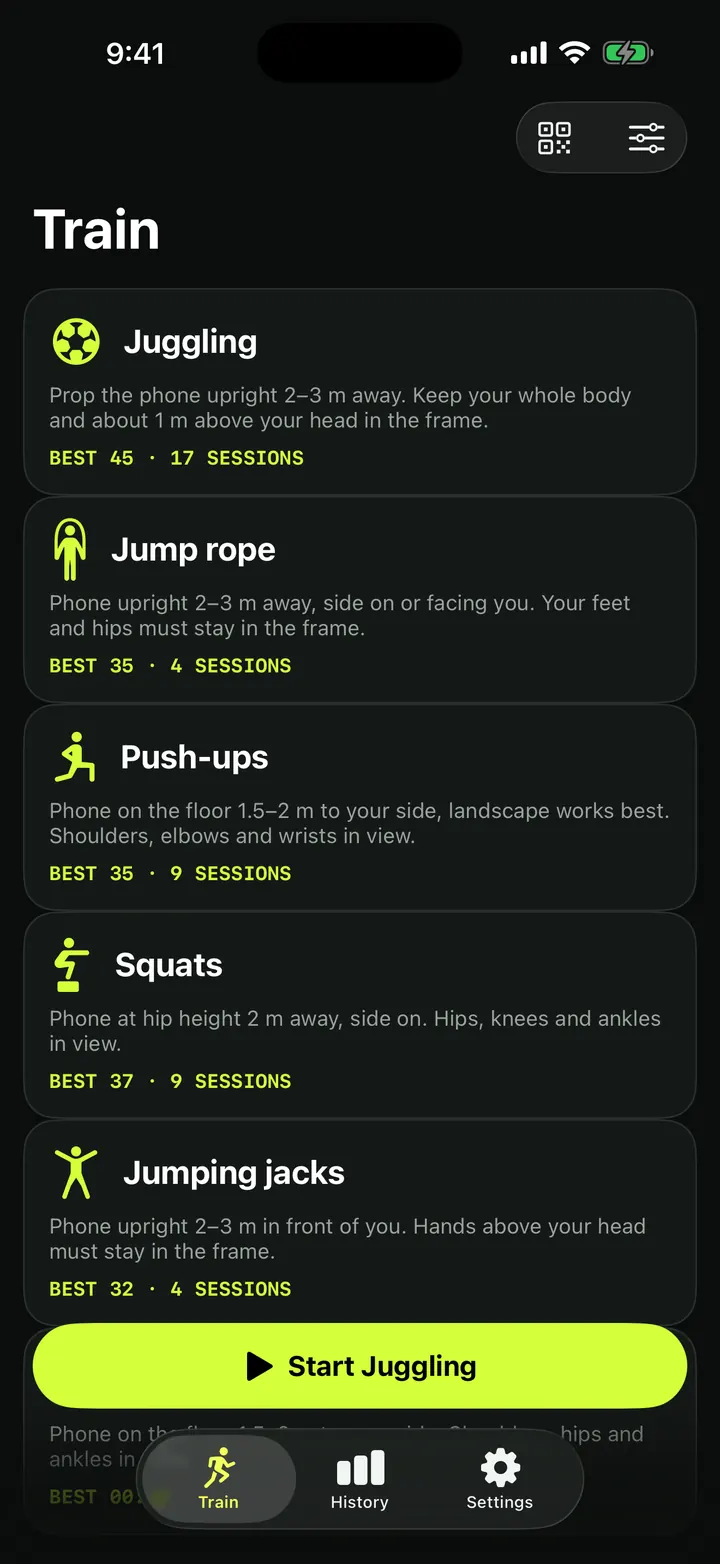
- On the Train screen, pick Jump rope.
- Tap the sliders button at the top right to open Session setup.
- Under Options, turn on Count by sound. The note under it reads: "Uses the microphone to hear the rope. Nothing is recorded."
- Place the phone upright 2–3 m (6.5–10 ft) away, side on or facing you, with your feet and hips in the frame.
- Tap Start. The first time, iOS asks for microphone access. Allow it.
- Skip. The live screen shows "COUNTING BY SOUND" while the microphone is in use. Tap Stop when you are done.
If you do not allow the microphone, the session still runs. The app tells you "Microphone access is off" and counts with the camera instead. You can turn on Microphone for TouchTally in the iPhone's Settings later.
How the two counts are merged
While you skip, the live count comes from the sound of the rope. The camera keeps watching too. When you stop, TouchTally lines up both lists of jumps:
- A jump that the camera and the microphone both caught within 80 milliseconds of each other is counted once.
- A jump only one of them caught is kept if it fits your rhythm, and dropped if it lands at an odd moment between jumps.
The idea is that each source covers the other's weak spots. The microphone does not care if your feet leave the frame for a moment, and the camera does not care about a noisy gym.
Count at the wrist with Apple Watch
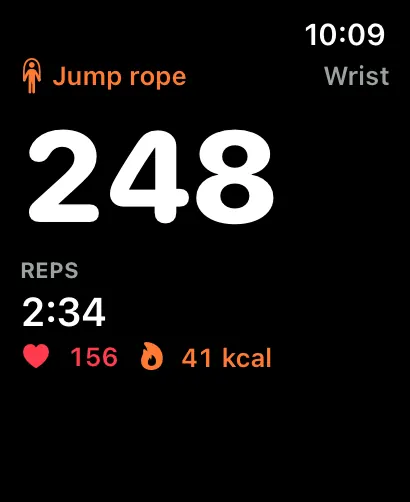
If you wear an Apple Watch, TouchTally can also count jump rope at the wrist, without the phone camera. That is handy outdoors or when there is nowhere to prop the phone. See TouchTally on Apple Watch for how it works.
Train your rhythm
Jump rope is all about an even rhythm, so the rhythm tools fit it well.
- PACE and REP INTERVAL tell you how fast and how evenly you are skipping. Read more in rhythm stats and the motion chart.
- Metronome (Pro). Skip to a click at a set BPM. The click is a soft, low tone, chosen so that Count by sound does not mistake it for a jump.
- Keep your rhythm (Pro). With voice form cues on, TouchTally can tell you "Keep your rhythm" when your jumps keep drifting off your pace.
- Workout timer. Run an interval, EMOM, AMRAP, Tabata or for-time session from Session setup. It is free.
For more on placing the phone for rope and push-ups, read the camera setup guide for jump rope and push-ups. If you mix skipping with strength work, the push-up form score is the next drill to try.
Is the TouchTally jump rope counter free?
Yes. Jump rope is a free drill with unlimited live counting, and Count by sound is free too.
Does Count by sound record my audio?
No. The microphone is used to hear the rope while the session runs. Nothing is recorded or saved, and the sound is analysed on your iPhone.
What happens if I say no to the microphone?
The session still starts. TouchTally shows "Microphone access is off" and counts with the camera only. You can turn the microphone on for TouchTally in iPhone Settings later.
Where should I put the phone for jump rope?
Upright, 2–3 m (6.5–10 ft) away, side on or facing you, with your feet and hips in the frame.
Will the metronome click be counted as a jump?
No. The click is a soft, low tone chosen so that Count by sound does not hear it as a jump.
Keep reading
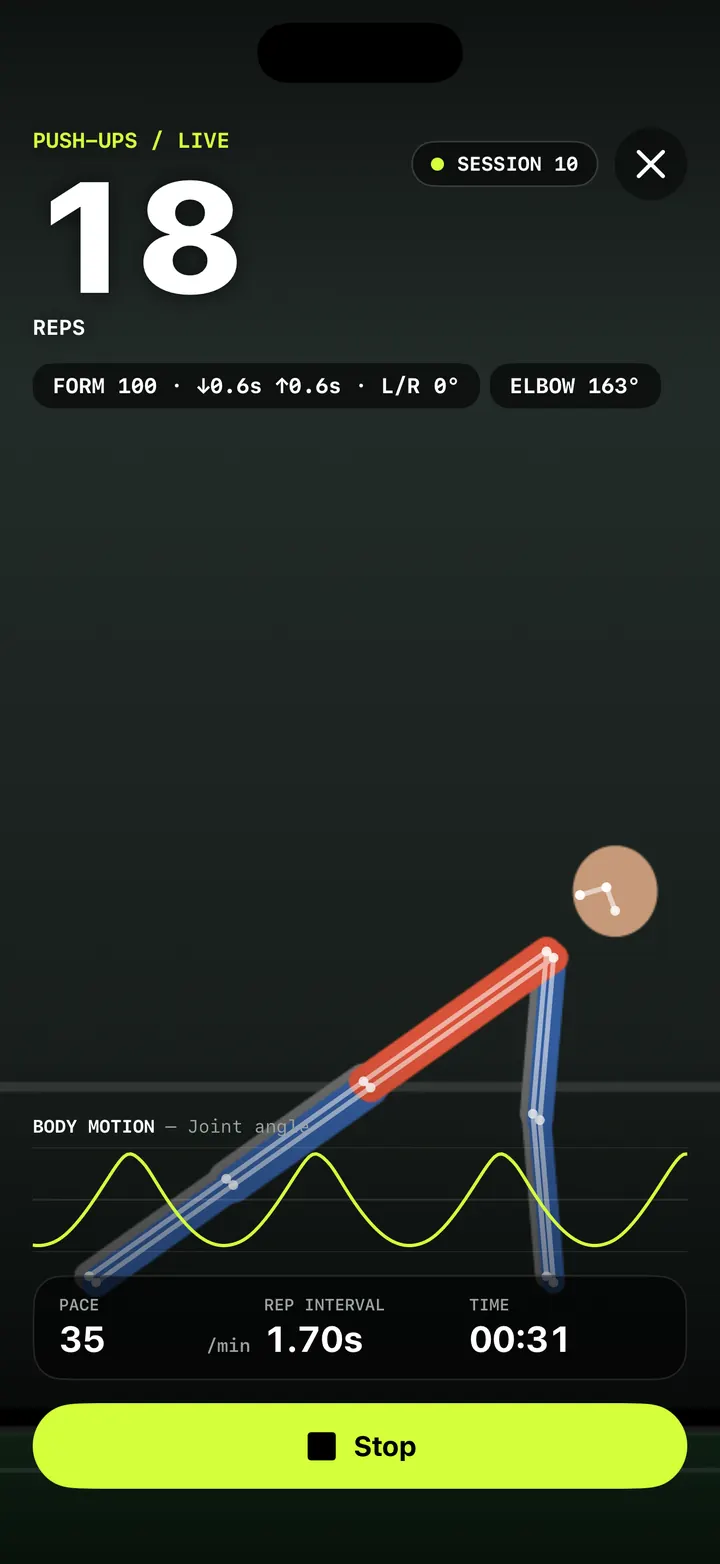
Push-up counter with a form score: count clean reps, not just reps
How TouchTally counts push-ups with the iPhone camera, scores each rep for depth, tempo and hip line, and adds voice form cues and a fatigue alert with Pro.
Read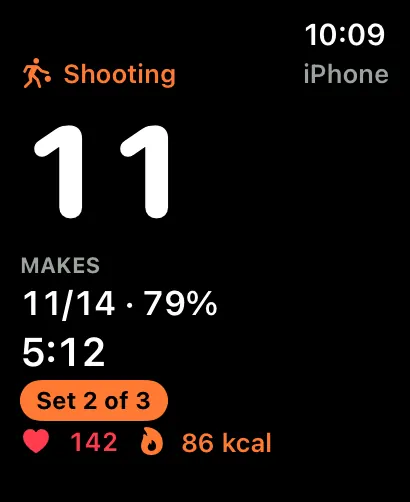
TouchTally on Apple Watch: live count, controls and wrist counting
See the live count from your iPhone on Apple Watch, pause or skip a block from the wrist, record a Health workout and count jump rope with the Watch alone.
Read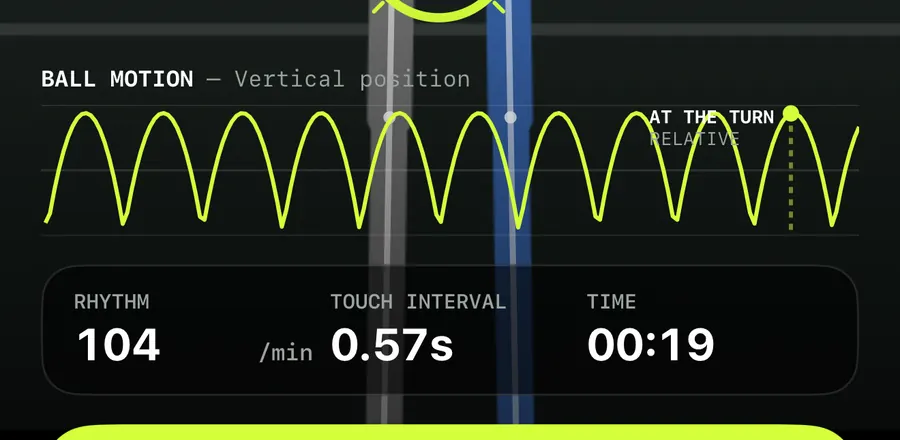
Ball motion chart and rhythm stats: read how even your touches are
How to read TouchTally's BALL MOTION chart, rhythm per minute and touch interval, and how the Pro metronome scores your touches against a steady beat.
ReadCount jump rope, push-ups and squats with your phone
Where to put your phone for each TouchTally drill, how jump rope can be counted by the sound of the rope, and how sets, rest and form feedback work.
Read guide