Count jump rope, push-ups and squats with your phone
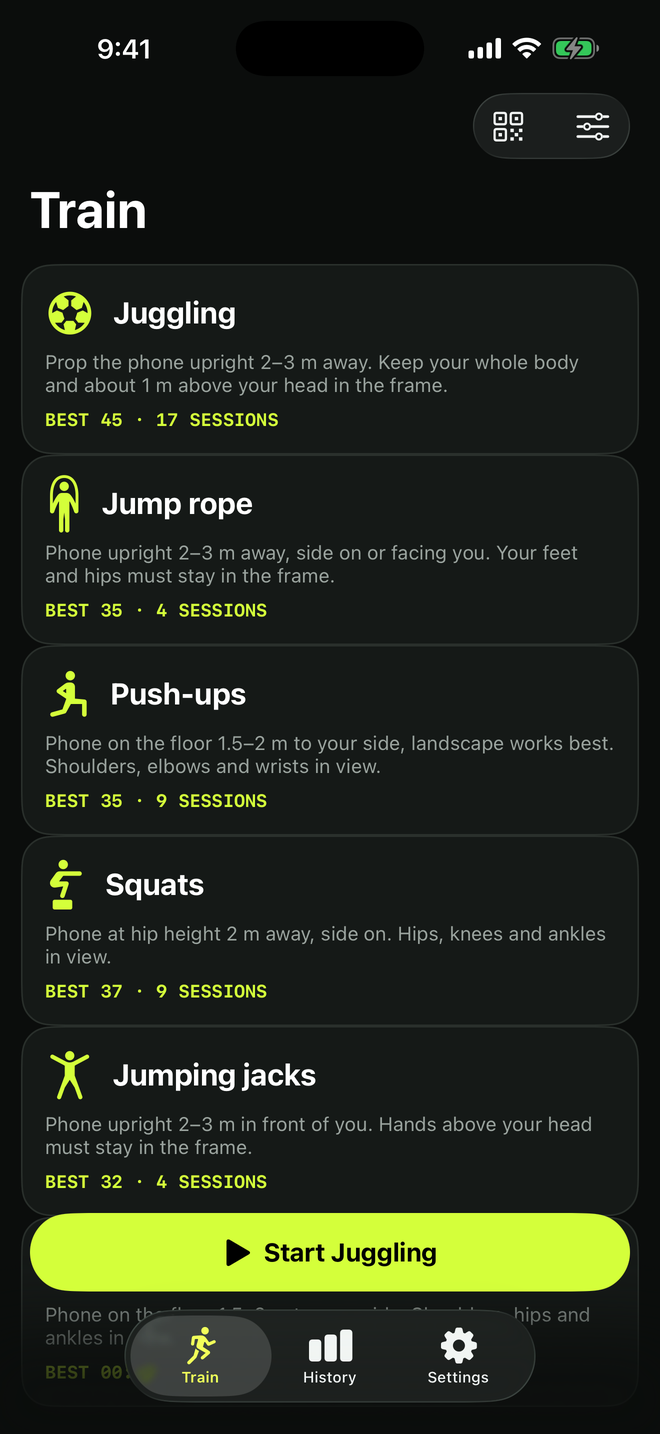
TouchTally started as a juggling counter, but the same camera counting works for other drills. Jump rope, push-ups and squats are free, and TouchTally Pro adds jumping jacks and a plank timer. Each drill needs the phone in a slightly different place, because the camera has to see the parts of your body that move. This guide covers the setup for each one, counting jump rope by sound, and the extras that help structure a workout.
TouchTally is a training counter, not medical advice. Counts are estimates. Warm up, train within your limits and give yourself space.
Jump rope
Phone position: upright, 2–3 m (6–10 ft) away, side on or facing you. Your feet and hips must stay in the frame.
The camera counts jumps from the movement of your body. Keep the whole rope swing clear of the phone, and check that a ceiling or doorway is not in the way before you start.
Counting jump rope by sound
You can also count jump rope by the sound of the rope hitting the floor. Choose jump rope and turn on Count by sound. TouchTally uses the microphone to hear the rope while you skip; the sound is analysed live and is never recorded or saved.
Counting by sound works best:
- on a hard floor, where each turn makes a clear sound;
- with little background noise, so music and voices do not add extra counts.
If you do not allow the microphone, jump rope still counts with the camera.
Push-ups
Phone position: on the floor, 1.5–2 m (5–6.5 ft) to your side. Landscape works best. Your shoulders, elbows and wrists must be in view.
From the side, the camera can see your elbows bend and straighten. TouchTally counts reps and shows your pace. With Pro you also get a form score, with the elbow angle drawn on a figure so you can see how deep each rep went.
Squats
Phone position: at hip height, 2 m (6.5 ft) away, side on. Your hips, knees and ankles must be in view.
A side view lets the camera see how far your hips drop. Wear clothes that do not hide your knees and hips completely, and make sure your feet are inside the frame.
Jumping jacks (Pro)
Phone position: upright, 2–3 m in front of you. Your hands above your head must stay in the frame.
Plank timer (Pro)
Phone position: on the floor, 1.5–2 m to your side. Your shoulders, hips and ankles must be in view.
The plank drill times your hold rather than counting reps.
Live feedback while you train
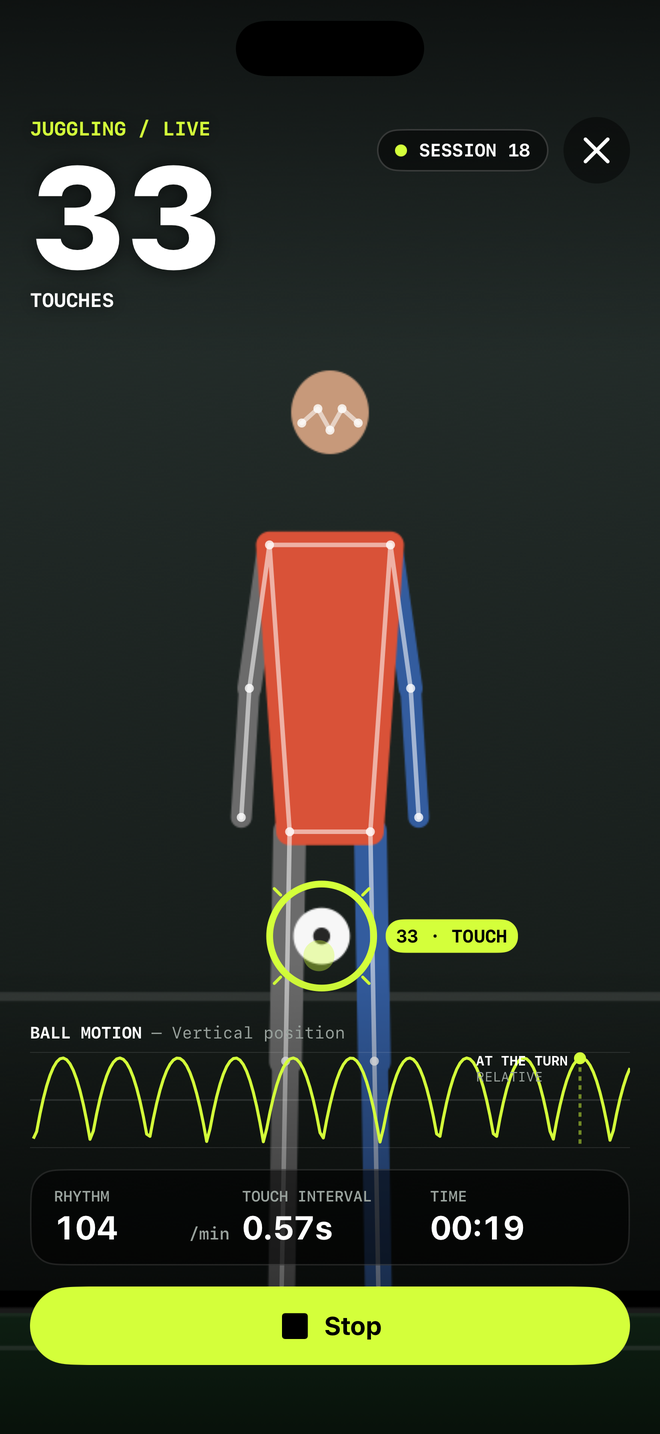
For every drill, TouchTally shows a big live count you can read from a distance, and it can call out the count or beep at each milestone, so you can keep your eyes off the screen.
Workouts with structure
Before a session you can choose how to train. Just count counts until you stop, and the workout timer runs intervals, EMOM, AMRAP, Tabata or for time. Both are free.
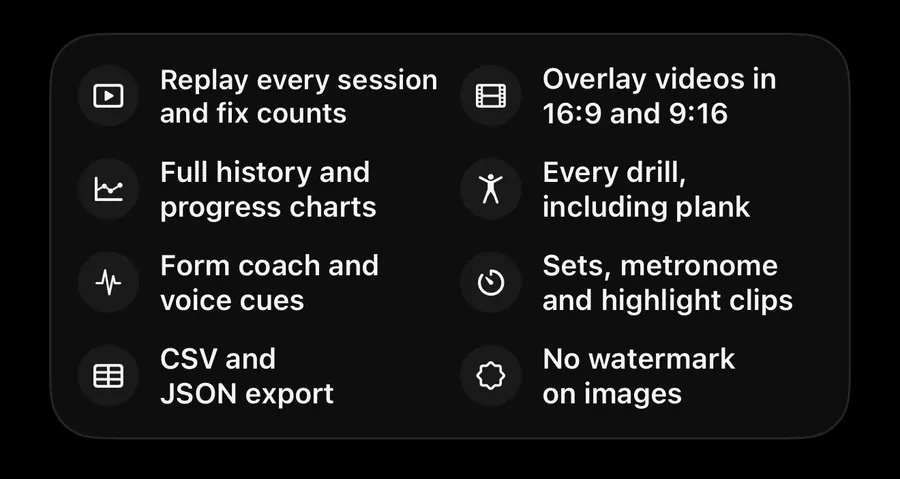
TouchTally Pro adds:
- Sets and rest: each set ends at the rep target, then the rest starts by itself.
- Metronome: do a rep on each click and get scored on the beat.
- Voice cues for coaching during the session.
Apple Health
If you turn on Save to Apple Health, TouchTally saves each finished session as a workout, with an estimated energy value if you have entered your weight. TouchTally never reads your Health data, and the option is off by default.
When the count is off
- Check the setup tip for the drill: the parts of your body listed must be in view.
- Add light and use a plain background.
- Keep other people out of the frame.
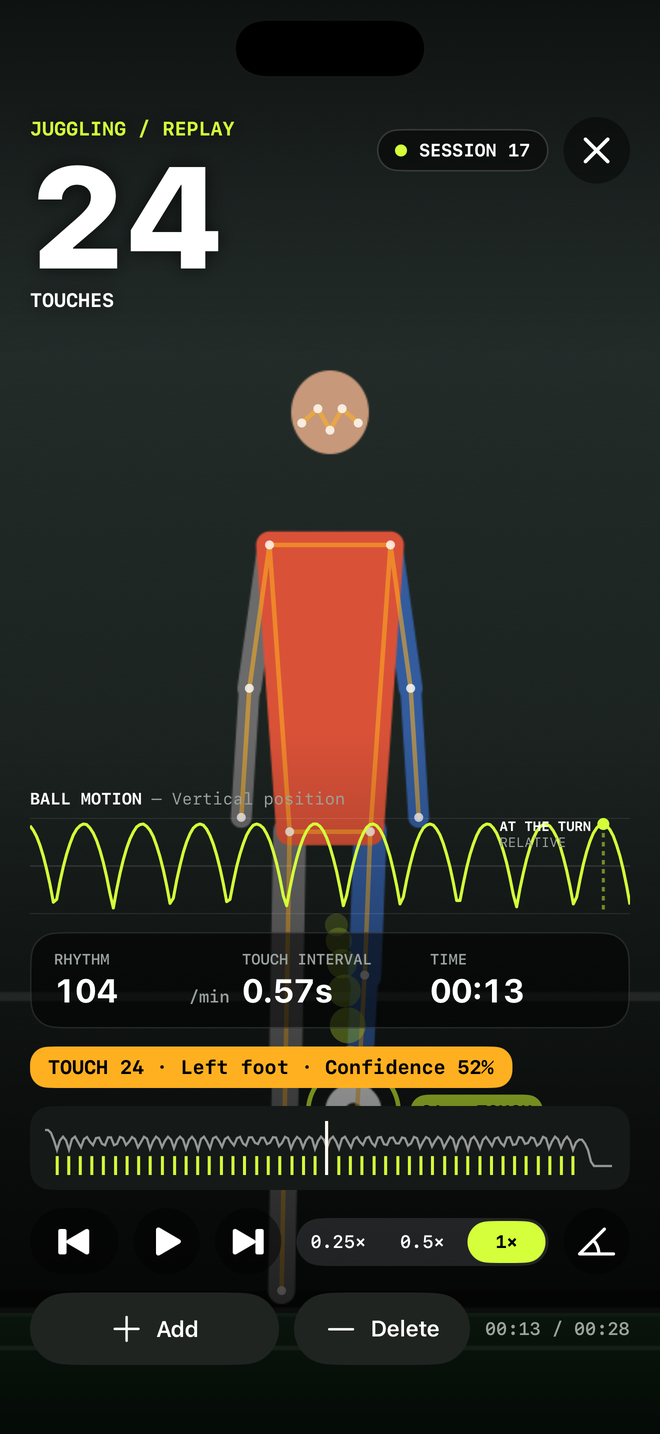
Your latest session can always be replayed. With Pro you can replay every session and fix a count with Add or Delete.
Next steps
See pricing for what is free and what Pro adds, or read how TouchTally handles video and privacy.
See the product in action
Related guides
Training video, kids and privacy: how TouchTally handles it
Where TouchTally keeps sessions and videos, what the camera and microphone are for, how Minors mode protects young players, and how to delete everything.
How to beat your juggling record: rhythm, replay and records
Use TouchTally’s rhythm, touch interval, slow-motion replay, streaks and challenges to understand why a juggling run ends and how to make the next one longer.
How to set up your phone to count soccer juggling
Where to put your phone, how far away, and what light and background to use so TouchTally counts every juggling touch. Plus quick fixes when the count is off.
Feature walkthroughs
TouchTally Free vs Pro: what you get on each plan
What the free TouchTally plan includes, what Pro adds, and how the Yearly, Monthly and Lifetime plans differ. Counting stays free and unlimited on 8 drills.
Read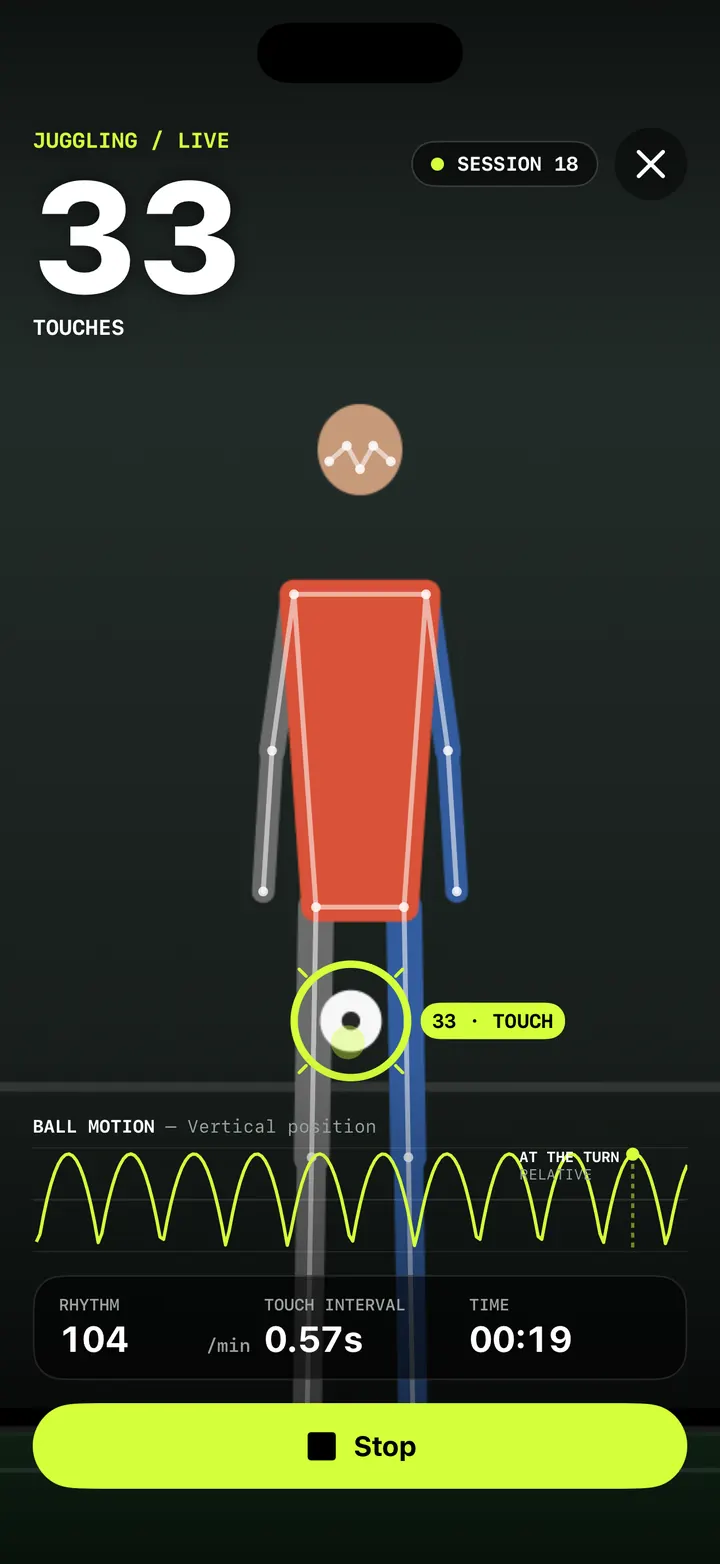
Live juggling counter: count every touch with your iPhone camera
How TouchTally counts soccer juggling touches live with the iPhone camera: the setup check, locking on to your ball, the big count and the spoken milestones.
Read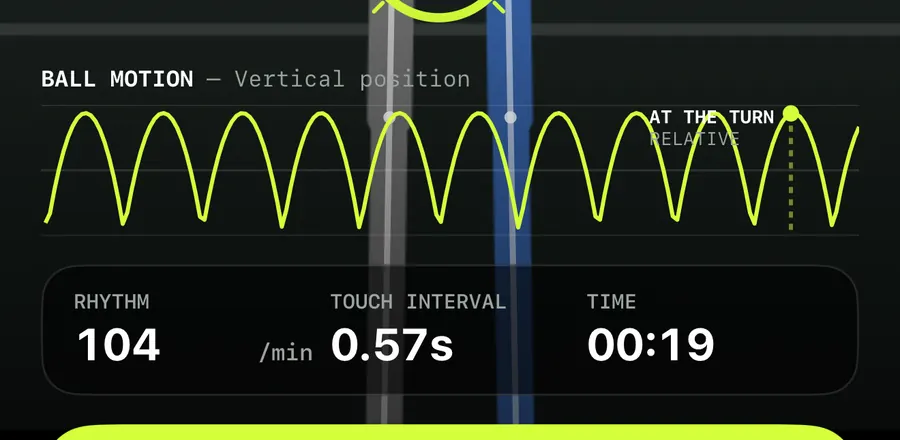
Ball motion chart and rhythm stats: read how even your touches are
How to read TouchTally's BALL MOTION chart, rhythm per minute and touch interval, and how the Pro metronome scores your touches against a steady beat.
Read