Face blur and Minors mode: filming young players with care
Minors mode in TouchTally blurs faces on screen and in Replay, pixellates them in exported videos, and asks a grown-up before anything is shared or sent.
Short answer
Minors mode is a switch in TouchTally's privacy settings for when the player is a child. It blurs the player's face in the camera view and in Replay, pixellates faces in every exported video, and asks a grown-up a quick question before anything is shared or sent to an AI app. Anyone can also turn on Blur faces for a single export. Both are free.
TouchTally counts from the camera, so every session is a video of someone training. Often that someone is a child in the garden or at club training. Minors mode is built for that case: the counting works the same, but faces are covered and sharing needs an adult.
What Minors mode changes
Turn it on in Settings, in the Privacy section, with the Minors mode switch. The setting explains itself in one line: "Minors mode blurs faces in the camera view and in Replay, and pixellates them in every exported video."
With Minors mode on:
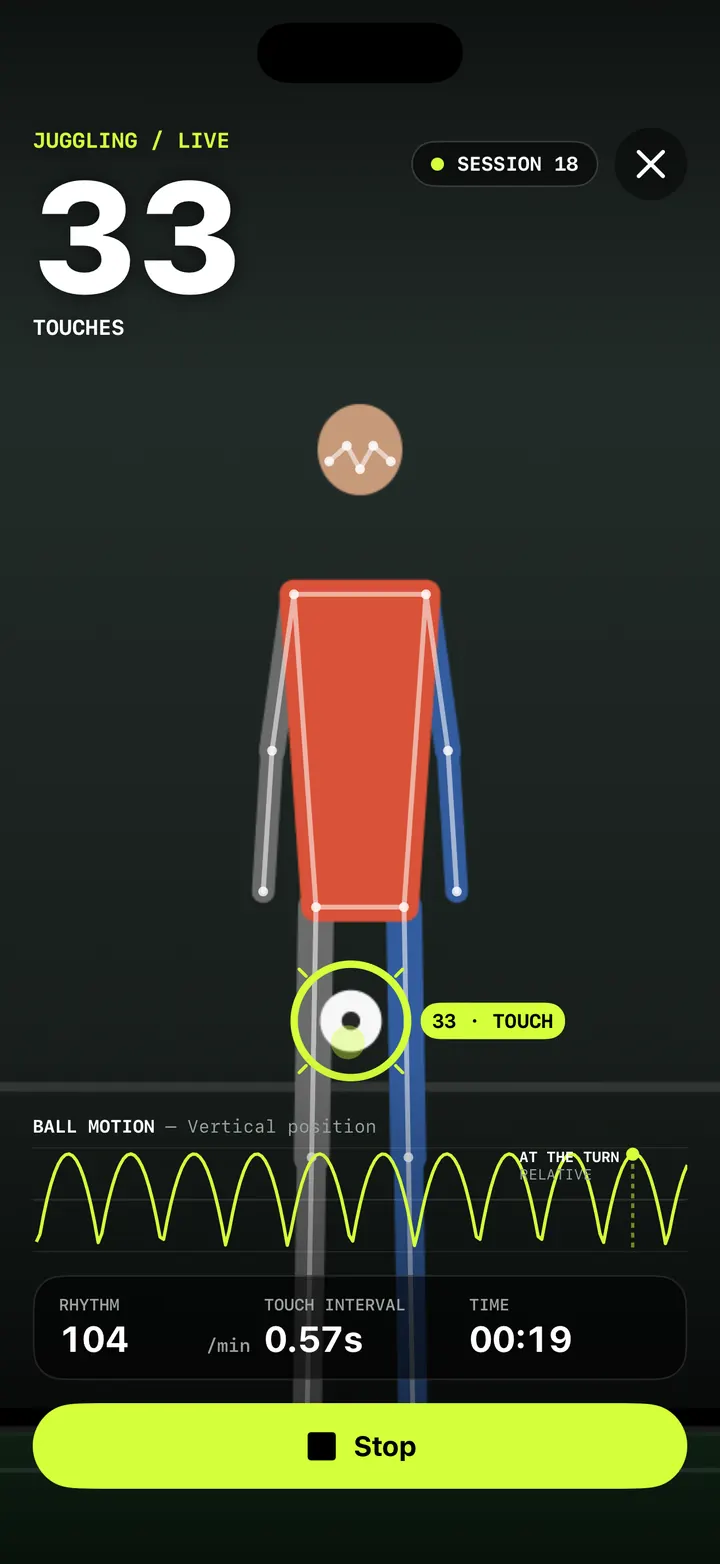
- Live camera and setup. A round, frosted blur sits over the player's face while you set up and while TouchTally counts.
- Replay. The same blur follows the face during playback, so you can check counts without looking at a clear face.
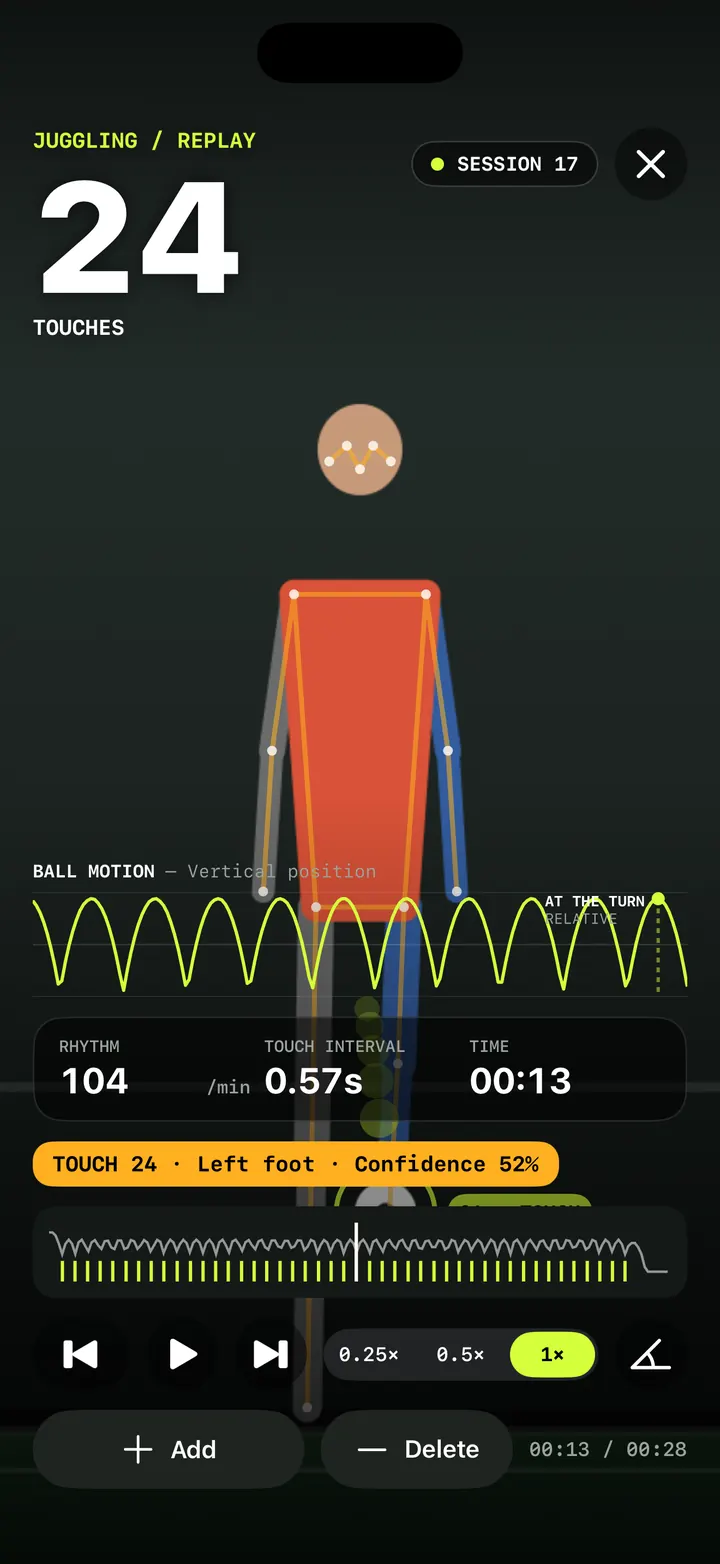
- Exported videos. Faces are pixellated in overlay videos and highlight clips, and in the export preview. The Export screen shows "Minors mode: faces are pixellated."
- Share this frame. A still from the angle tool in Replay is covered too.
- Sharing. Before the share sheet opens, a grown-up has to answer a question (see below).
- Ask AI. The same question comes before the Review prompt sheet, and the touch-and-hold menu of AI apps is left out.
- Apple Health. The Save to Apple Health option is hidden, and sessions are not saved to Health.
- Spotlight. Sessions are removed from iPhone search.
A session recorded in Minors mode stays covered. If you turn Minors mode off later, that session still shows the blur in Replay, and its exports are still pixellated.
Turn on Minors mode
- Open Settings in TouchTally.
- Go to the Privacy section.
- Turn on Minors mode.
- Start a session as usual. The face blur appears in the camera view once the player is in frame.
- Open Replay or Export to check the result. Exports show "Minors mode: faces are pixellated."
How the blur finds the face
TouchTally already tracks the player's body to count reps and touches. The blur uses the same tracking: it takes the nose, eyes and ears of the main person in frame, the largest one, and draws a soft circle with some margin around them.
That has two honest limits. Only the tracked player is covered, so a parent or a teammate in the background is not. And if the face points aren't found in a frame, for example when the player turns fully away or moves out of frame, that frame may not be covered. Watch the export preview before you share, especially with other people in the shot.
The video saved on your iPhone is not changed. The blur is drawn on top of it in the app and burned into the copy you export. That way the count and Replay still work from the full picture.
Blur faces, for any export
You don't need Minors mode to hide a face. The Export screen has a Blur faces switch that anyone can turn on. It is handy when a friend or someone passing by is in the background, or when you simply prefer not to show your own face. The switch appears when the session has a video, TouchTally remembers your choice for next time, and in Minors mode it is on and locked. More on export formats in overlay video export.
Ask a grown-up
In Minors mode, sharing and Ask AI start with a small check. A box titled "Ask a grown-up" says "To continue, answer: what is 7 × 8?" with two numbers from 6 to 9. A wrong answer shows "That's not right" and nothing is shared. Cancel closes the box.
This is meant to slow a young child down, not to stop a determined teenager. It is a prompt to talk about what gets shared, not a lock. For what Ask AI sends and how, see coach's note and Ask AI.
For a full walk-through of filming children safely, from camera placement to sharing, read our guide to video privacy and Minors mode.
Does Minors mode change how TouchTally counts?
No. Counting, the result screen and the coach's note work the same. Minors mode changes what is shown and shared: faces are covered and sharing needs a grown-up.
Are faces blurred in the saved video?
The video kept on your iPhone is not changed. The blur is drawn over it in the camera view and Replay, and burned into every video you export.
Will other people in the video be blurred?
Not by Minors mode on its own. It covers the main person the app tracks. If others are in the frame, film from a different angle or crop them out before sharing.
Can I blur faces without turning on Minors mode?
Yes. Turn on Blur faces on the Export screen. It works for any session with a video. The switch itself is free, and video export is part of Pro.
What happens if I turn Minors mode off later?
Sessions recorded in Minors mode stay covered in Replay and in exports. New sessions are recorded without the blur.
Keep reading
Overlay video export: your session with the count burned in, 9:16 or 16:9
Export a TouchTally session as an mp4 with the live count, ball ring and stats on top, in 9:16 for Stories or 16:9 for YouTube, or cut a 15 s highlight clip.
ReadReplay and fix your count: check every touch in slow motion
Step through every counted touch or rep in TouchTally's replay at 0.25×, spot low-confidence counts, and with Pro add or delete the ones the camera got wrong.
Read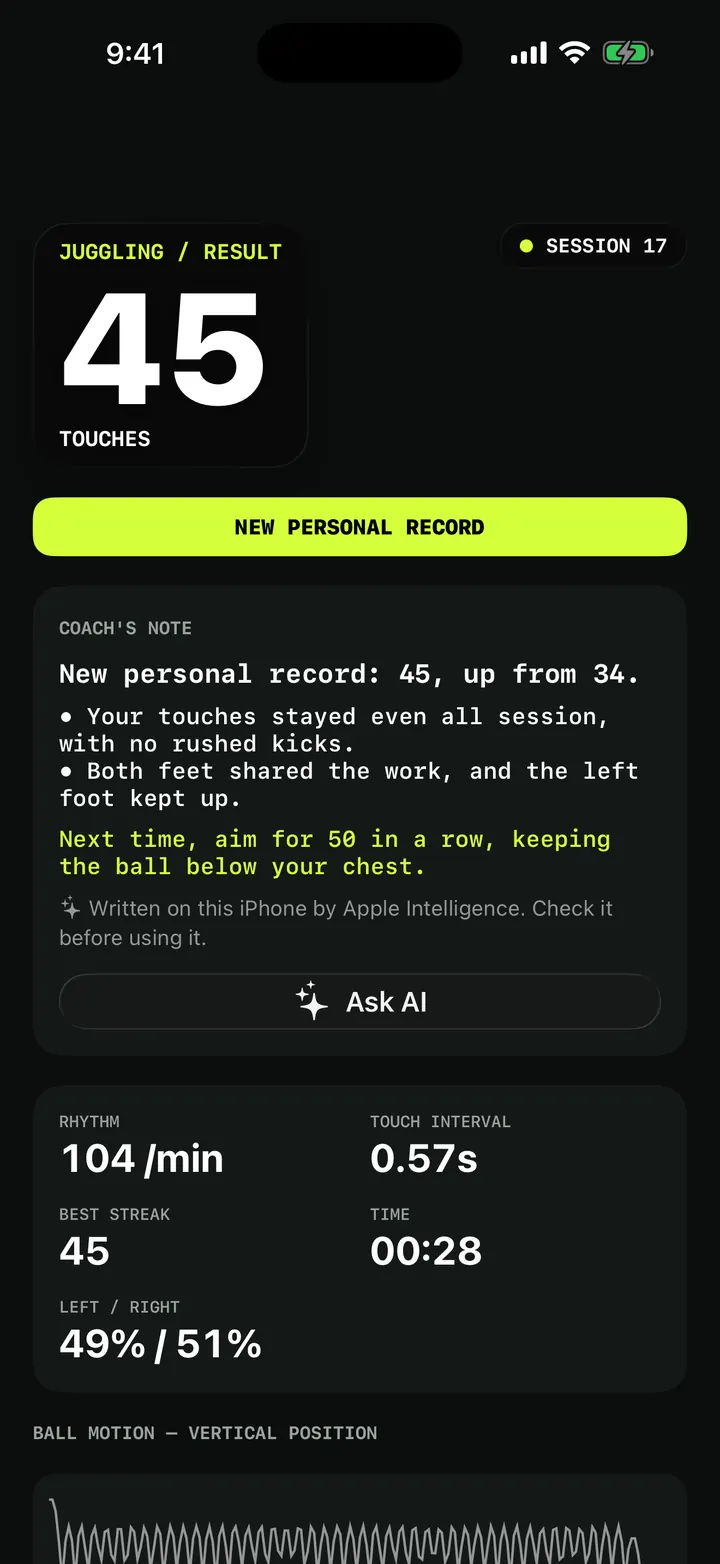
Coach's note and Ask AI: a short review after every session
How the TouchTally coach's note is written on your iPhone after each session, what happens without Apple Intelligence, and how Ask AI and Plan my week work.
ReadTraining video, kids and privacy: how TouchTally handles it
Where TouchTally keeps sessions and videos, what the camera and microphone are for, how Minors mode protects young players, and how to delete everything.
Read guide