Plank timer that checks your form: only count the seconds you hold
How TouchTally's plank timer uses the iPhone camera to count only the seconds your body stays in line, warns when your hips sag or rise, and maps the hold.
Short answer
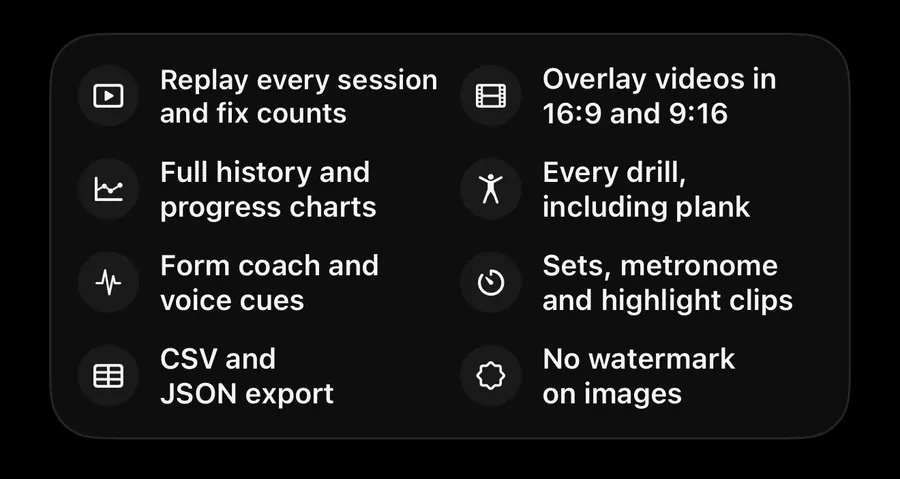
TouchTally's Plank drill is a timer that watches your body line with the iPhone camera. It counts the seconds you hold a straight line from shoulders to ankles, pauses when your hips sag or rise, and tells you which one happened. After the hold you see how long you held, what share of the time your form was good and, in the plank timeline, when your hips drifted. Plank is a Pro drill.
A normal stopwatch keeps running while your hips sink towards the floor. TouchTally only counts the seconds that look like a plank, so your best time is a time you actually held.
How the plank timer works
Put the phone on the floor to your side. The camera follows your shoulders, hips and ankles and checks whether they make a straight line.
- While the line is straight, the clock runs. The big number counts SECONDS.
- When your hips drop or lift too far, it stops. A short wobble does not stop it; the change has to last a moment first.
- When you get back in line, it carries on from where it stopped.
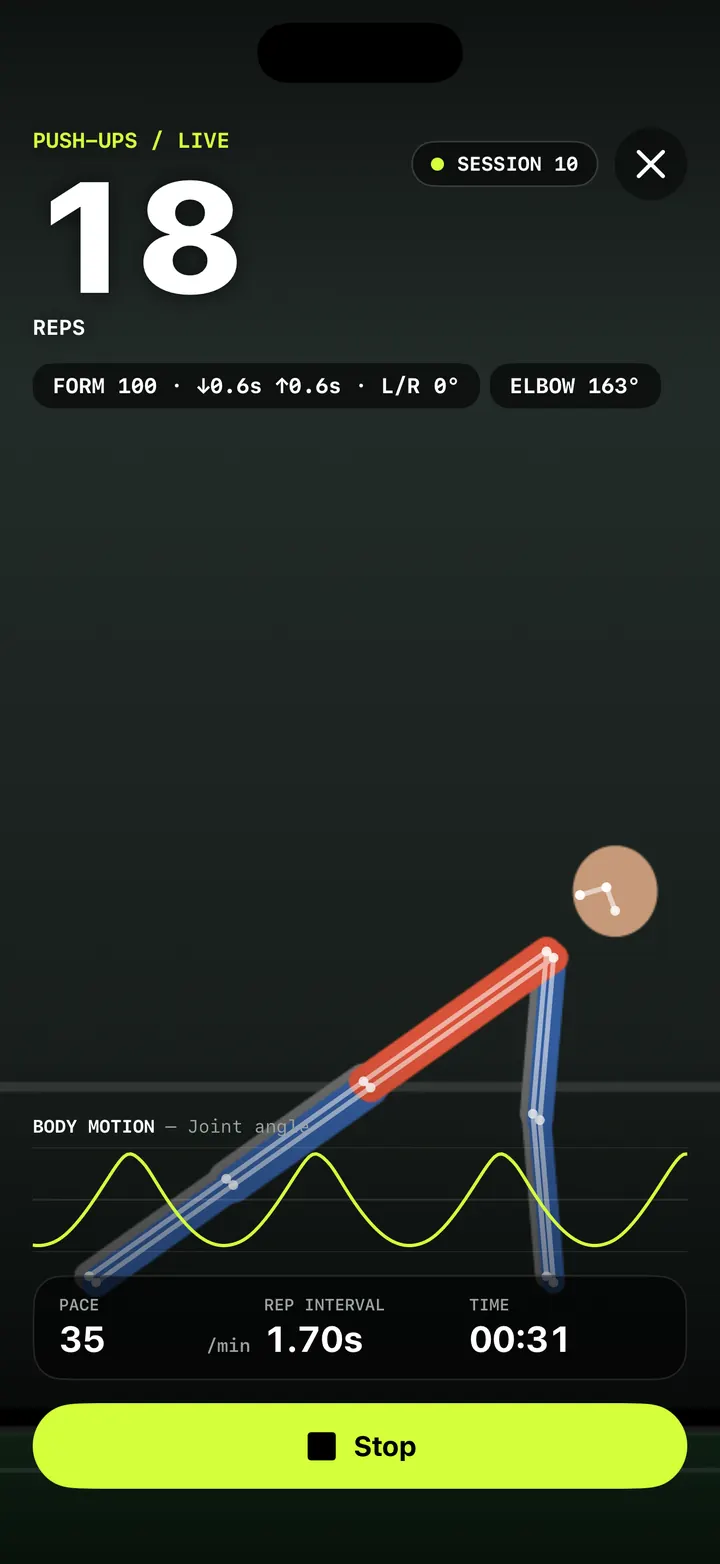
The live screen tells you what is going on. A banner reads "Hips sagging" or "Hips too high" with a haptic tap, and the stats bar shows FORM (Good or Hips), HELD (the share of the time so far that your form was good) and TIME (the total time since you started). Below the count, BODY MOTION — Body line draws your shoulder-hip-ankle line over the last few seconds.
Time a plank with TouchTally
- On the Train screen, pick Plank.
- Place the phone on the floor 1.5–2 m (5–6.5 ft) to your side. Your shoulders, hips and ankles must be in view.
- Wait until the checklist is all green: enough light, whole body in view, phone steady.
- Tap Start and get into your plank during the 3-2-1 countdown.
- Hold. Every 10 seconds you can hear the time spoken or a beep, if those are on in Settings.
- Tap Stop when you are done.
Spoken cues for your hips
With Voice form cues turned on in Settings, TouchTally speaks a short cue when your hips stay out of line for about a second: "Lift your hips" when they sag, "Lower your hips" when they pike up. You can choose which cues are spoken under Spoken cues; a cue you turn off still shows on screen, without the voice.
The BODY LINE readout next to the form chip shows the angle the camera measures through your shoulders, hips and ankles, so you can see how close to straight you are.
After the hold
The result screen shows three numbers:
| Result | What it means |
|---|---|
| HELD | The time you held good form, as a clock |
| GOOD FORM | The share of the session your body line was good |
| TIME | The total time from Start to Stop |
The plank timeline
The Plank timeline card turns the whole hold into one coloured bar, so you can see when things changed:
- Straight: your body was in line
- Sagging: your hips had dropped
- Hips high: your hips had risen
- Down: your hips dropped well below the line, as if you had come off the plank
Under the bar, Straight gives the share of the hold that was in line, and Hip sway gives how much your hips moved, in degrees. If the bar goes amber in the last 15 seconds every time, that is where to focus.
The Next session card suggests a goal, for example "Next goal: hold 1:10". Your best hold also shows on the Plank card on the Train screen, such as "BEST 1:05".
Plank records and badges
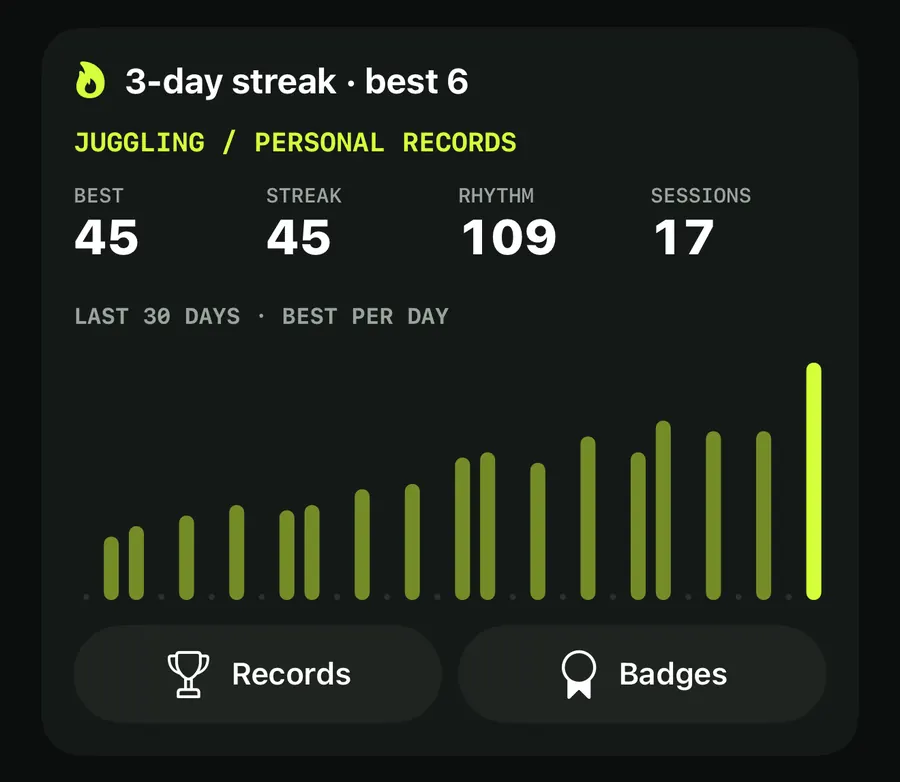
Plank sessions feed your history and records like any other drill. Longest hold is one of the records, and there are badges for a 1-minute plank and a 3-minute plank. See training history and records for how records and the 30-day chart work.
Ways to use the plank timer
- Hold for quality first. Aim for a high GOOD FORM share before you chase a longer TIME.
- Build in 10-second steps. The 10-second milestones make it easy to add a little each session, and the Next session card gives you a target.
- Pair it with push-ups. The same straight line matters in a push-up; the push-up form score checks your hips on every rep. For what else comes with Pro, see TouchTally Free vs Pro.
Is the plank timer free?
No. Plank is one of the Pro drills. Free drills include Push-ups, Squats and Jump rope.
Does the timer stop when my hips sag?
Yes. The clock only counts seconds while your shoulders, hips and ankles are in line. It pauses when your hips sag or rise, and goes on when you get back in line.
What is the difference between HELD and TIME?
TIME is the whole session from Start to Stop. HELD is the part of it where your form was good. GOOD FORM is HELD as a share of TIME.
Where should I put my phone for a plank?
On the floor, 1.5–2 m (5–6.5 ft) to your side, with your shoulders, hips and ankles in view.
Can TouchTally tell me if my hips are too high?
Yes. The live banner shows "Hips too high", and with voice cues on it says "Lower your hips". The plank timeline marks those moments as Hips high.
Keep reading
Push-up counter with a form score: count clean reps, not just reps
How TouchTally counts push-ups with the iPhone camera, scores each rep for depth, tempo and hip line, and adds voice form cues and a fatigue alert with Pro.
Read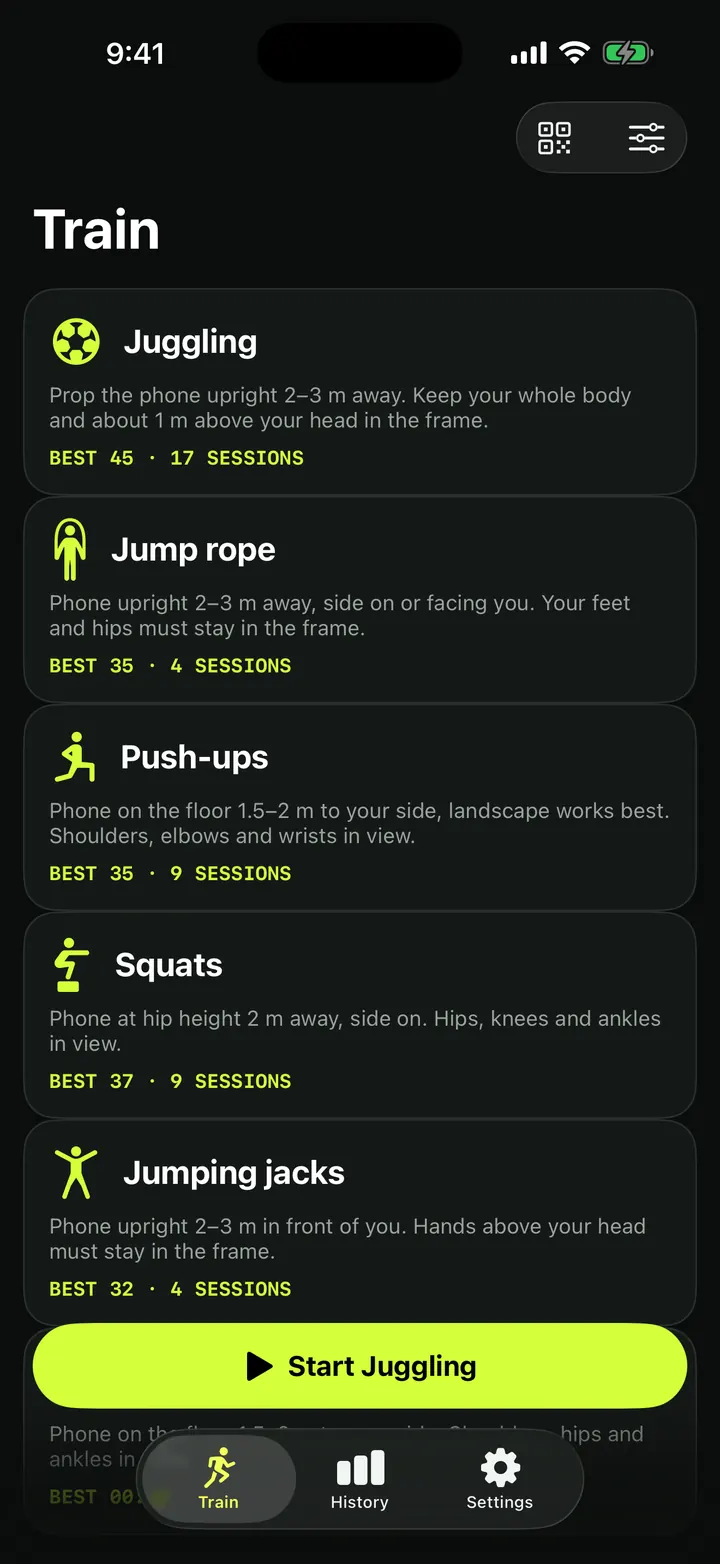
Squat counter: count clean reps with depth, tempo and symmetry checks
How TouchTally counts squats with the iPhone camera, checks depth and tempo on every rep, counts clean reps and, with Pro, compares left and right sides.
ReadTouchTally Free vs Pro: what you get on each plan
What the free TouchTally plan includes, what Pro adds, and how the Yearly, Monthly and Lifetime plans differ. Counting stays free and unlimited on 8 drills.
ReadCount jump rope, push-ups and squats with your phone
Where to put your phone for each TouchTally drill, how jump rope can be counted by the sound of the rope, and how sets, rest and form feedback work.
Read guide