Weak-foot juggling and challenges: patterns, height and first-touch control
Train your weak foot with TouchTally: track left and right touches for free, then try Pro juggling challenges for patterns, ball height and first-touch control.
Short answer
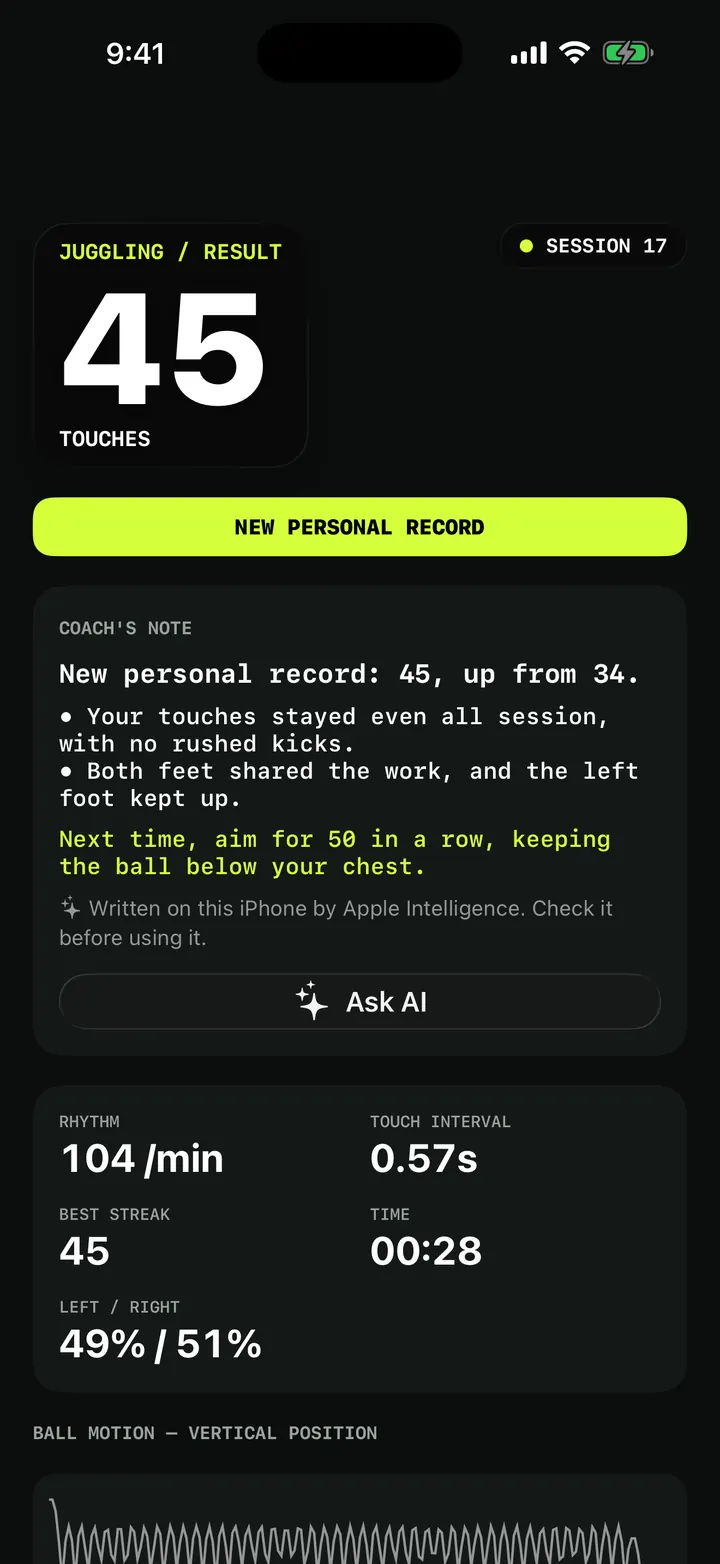
TouchTally tells you how many juggling touches came off each foot, how long your best run on each foot was and, once you set your weak foot, how long you kept it going on that foot alone. That part is free. With Pro you can turn a session into a challenge: follow a pattern such as left, right, keep the ball low or high, or score how well you kill the ball after each touch.
Most players can juggle twice as long on their strong foot. Counting the weak-foot touches by hand while you juggle is close to impossible. TouchTally already sees which body part touched the ball, so it can split the count for you and turn weak-foot work into a number you can beat.
Left, right and your weak foot
After every juggling session the result shows a "Strong and weak foot" card. It lists:
- "Left foot" and "Right foot": how many touches came off each foot, with the best run on that foot.
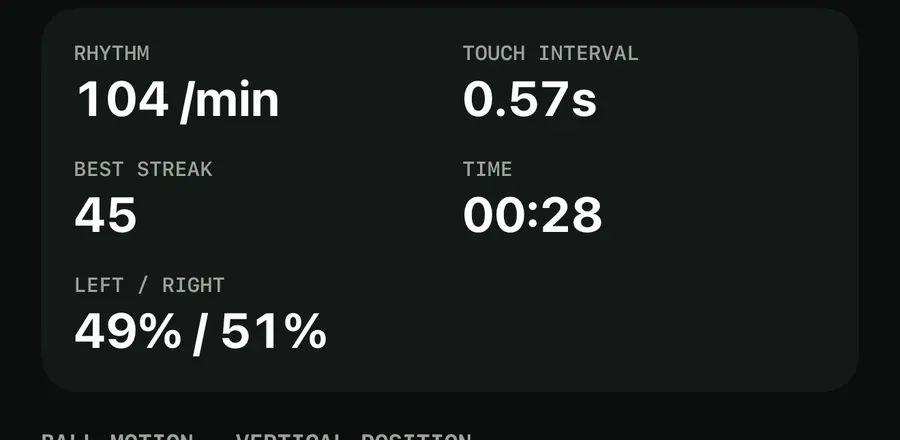
- "Left / right": the share of foot touches on each side.
- "Weak foot best run": your longest run of touches on your weak foot, once you have told TouchTally which foot that is.
The metric grid at the top of the result also shows LEFT / RIGHT, so you see the balance at a glance.
Set your weak foot
Open Settings and tap "Weak foot". Choose "Left foot" or "Right foot" (it starts as "Not set"). From then on, TouchTally tracks a weak-foot run in every juggling session. Thigh and head touches do not break the run, but a touch with your other foot or a drop does.
See your progress week by week
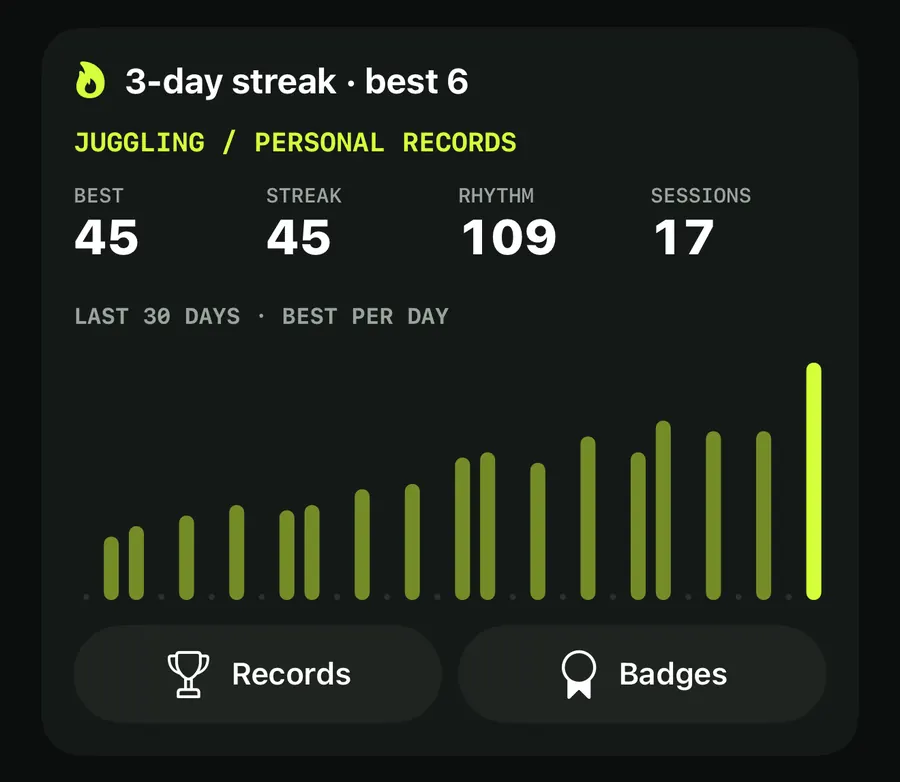
With a weak foot set, the Records screen adds a section such as "Left foot by week". It covers the last 8 weeks and shows what share of your foot touches came off your weak foot, for example "42 of 120 foot touches". It is free, and it is the clearest way to see whether weak-foot work is paying off. More on the Records screen in training history and records.
There is also a "Weak foot" badge for "10 weak-foot touches in a row." See streaks, weekly goal and badges.
Juggling challenges (Pro)
The challenges live in "Session setup", which you open with the sliders button at the top right of the Train screen. Along with "Just count" and "Workout timer", there are three juggling-only modes.
Pattern drill
"Follow a sequence of body parts." Pick a preset and TouchTally checks every touch against it:
- "Left foot only" and "Right foot only", listed first, with your weak foot on top and marked as such
- "Left, right" and "Two left, two right"
- "Thigh, foot", "Thigh, foot, head", "Thighs only" and "Head only"
While you juggle, the screen shows the next body part and how many full cycles you have done. A touch with the wrong body part gives a warning tap from the phone's haptics. Afterwards the "Pattern" card shows "Full cycles", "Touches in pattern" as a percentage and "Breaks".
Choosing "Left foot only" or "Right foot only" for your weak foot is the most direct weak-foot drill in the app.
Height challenge
"Keep the ball low, or send it over your head." Two rules:
| Rule | What it asks |
|---|---|
| "Low: under the hip" | "Keep every touch below your hip." |
| "High: over the head" | "Send every touch above your head." |
The result card shows "Touches in a row" within the rule and whether the rule was "Held all session" or "Broken". The height is worked out from your body position after the session. Setting "Your height" in Settings makes ball height more accurate; without it, an average height is used.
First-touch control
"Kill the ball dead after each touch." This one is about control rather than count. A touch counts as controlled when the ball comes to rest near your foot within 1.5 seconds, without bouncing away. Each attempt is scored: 100 for killing it with one touch, 20 less for each extra touch, down to a minimum of 10. The result card shows "Controlled" (for example 7/10) and "Average score".
Run a weak-foot pattern drill
- In Settings, set "Weak foot" to your weaker side.
- On the Train screen, tap the sliders button to open "Session setup".
- Choose "Pattern drill" and pick your weak foot's "only" preset.
- Set up the phone as usual for juggling and lock on to the ball.
- Tap Start and juggle using only your weak foot. A warning tap means the wrong body part.
- Stop, then check "Full cycles", "Breaks" and "Weak foot best run" on the result.
Want a bigger goal? Our guide to beating your juggling record shows how to build up week by week, and the live juggling counter covers the basics of setting up.
Does TouchTally know which foot I used?
Yes. It follows your body and the ball and records which body part made each touch. The result shows left and right foot counts, the share and your best run on each foot.
Is weak-foot tracking free?
Yes. The "Strong and weak foot" card, "Weak foot best run" and the weekly weak-foot share in Records are all free. The challenge modes in "Session setup" are Pro.
What breaks my weak-foot run?
A touch with your other foot, or a drop. Thigh and head touches do not break it, so you can use them to reset the ball.
Can I use the challenges for keep-ups in other sports?
No. Pattern drill, Height challenge and First-touch control work with Juggling only.
How is first-touch control scored?
Each attempt starts at 100 for killing the ball with one touch and loses 20 for every extra touch, down to 10. The ball has to settle near your foot within 1.5 seconds without bouncing away.
Keep reading
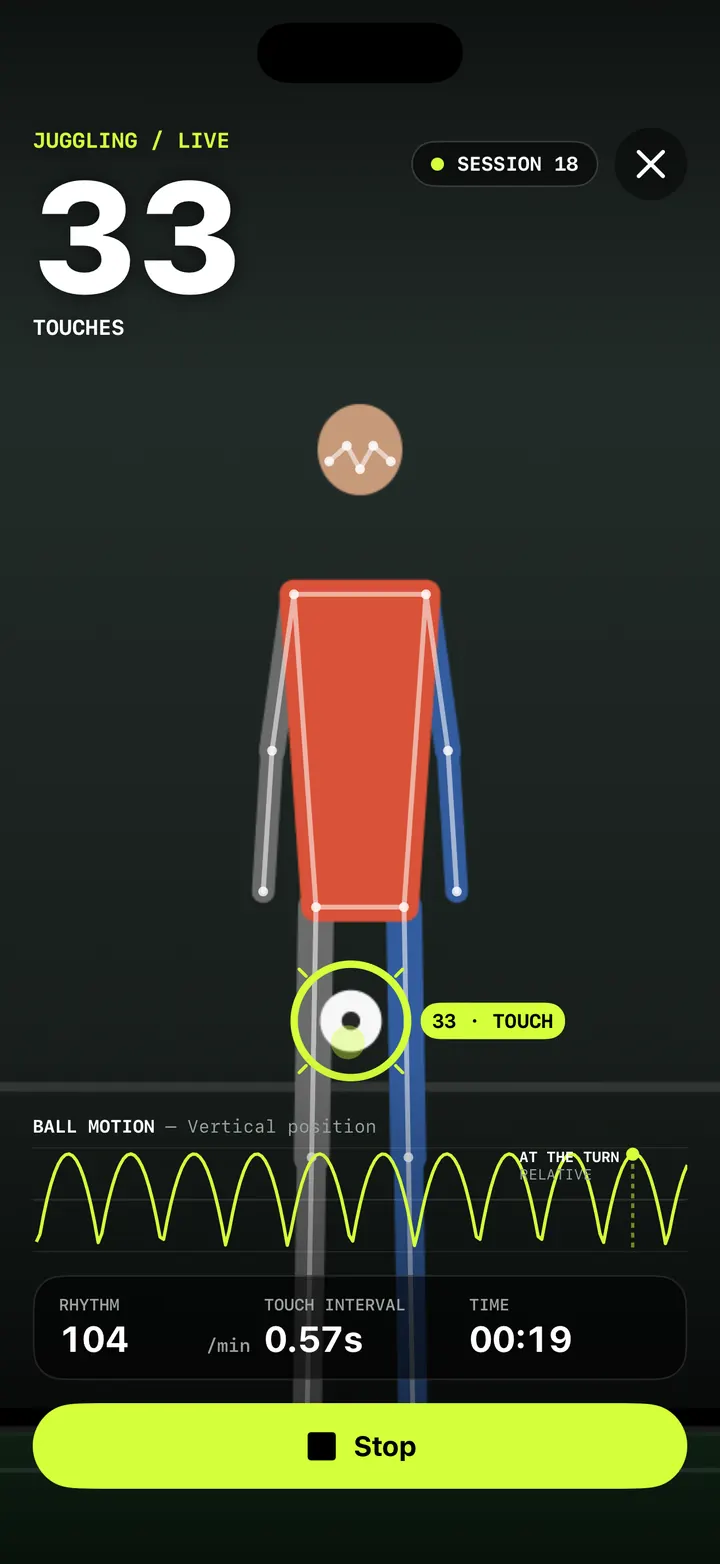
Live juggling counter: count every touch with your iPhone camera
How TouchTally counts soccer juggling touches live with the iPhone camera: the setup check, locking on to your ball, the big count and the spoken milestones.
Read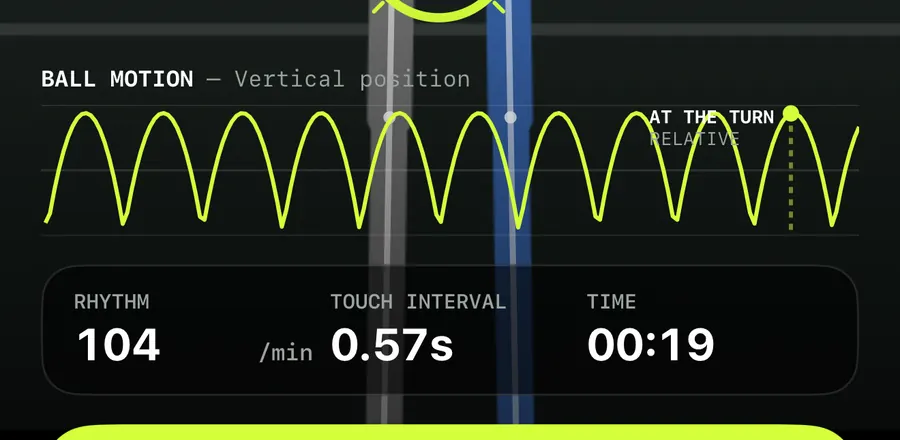
Ball motion chart and rhythm stats: read how even your touches are
How to read TouchTally's BALL MOTION chart, rhythm per minute and touch interval, and how the Pro metronome scores your touches against a steady beat.
ReadTraining streaks, a weekly goal and badges that keep you coming back
How TouchTally counts day streaks with a weekly freeze day, sets a weekly training goal with reminders, awards 22 badges and puts it all in a widget.
ReadHow to beat your juggling record: rhythm, replay and records
Use TouchTally’s rhythm, touch interval, slow-motion replay, streaks and challenges to understand why a juggling run ends and how to make the next one longer.
Read guide