How to beat your juggling record: rhythm, replay and records
A juggling record is a single number, but the reasons a run ends are usually visible long before the ball hits the ground: touches get rushed, the ball climbs too high, or one foot does all the work. TouchTally gives you more than the count, so you can see those patterns and practise with a purpose. This guide shows how to read the numbers and use them.
Juggling progress takes time, and the advice here is general practice advice, not coaching for any particular player. Train within your limits.
Read the rhythm, not just the count
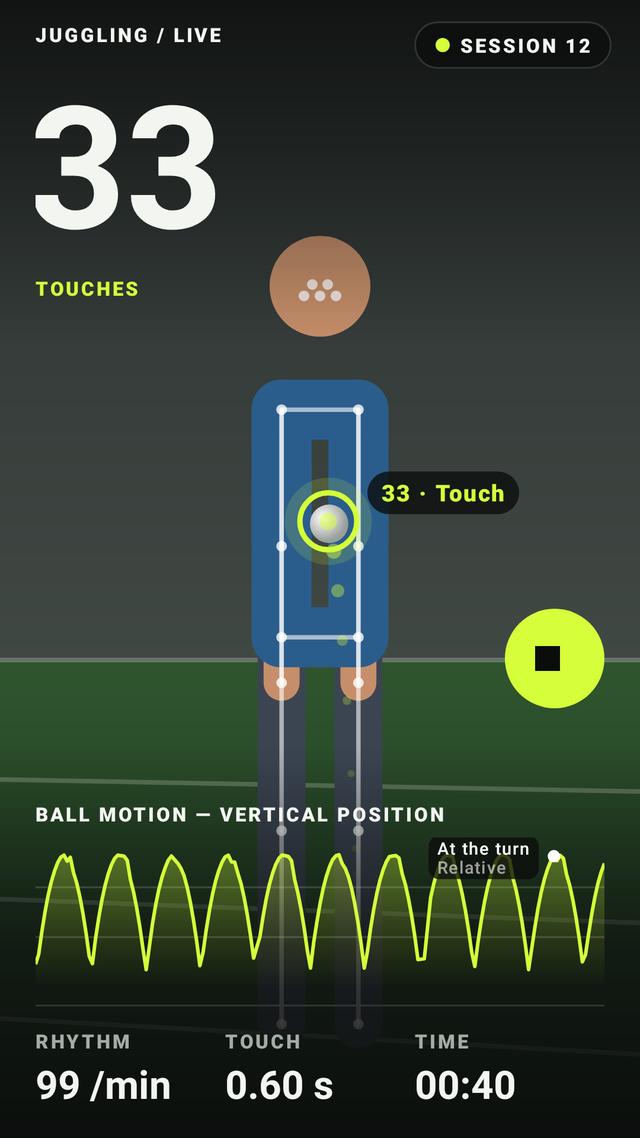
During a session TouchTally shows three things besides the count:
- Rhythm, in touches per minute.
- Touch interval, the time between one touch and the next.
- A ball-height chart, showing how high the ball goes after each touch.
A steady rhythm and a steady interval usually mean you are in control. When the interval suddenly shrinks, you are chasing the ball. When the ball-height line starts jumping around, the touches have lost their consistency. Those are the moments a run tends to end.
Watch the end of every run in slow motion
After a session, open replay. You can step through it at 0.25×, 0.5× or 1×, and each touch is marked. Go to the last ten touches and look for what changed:
- Did the ball start drifting forward, so you had to step after it?
- Did you switch to the same foot several times in a row?
- Did one touch send the ball much higher than the rest?
On the free plan you can replay your latest session. TouchTally Pro keeps replay for every session, so you can compare today’s run with last week’s.
Practise with structure
Free practice is fine, but short focused blocks work well too. Some ideas:
- Low and steady. Try to keep the ball below your waist and the interval steady for a whole run.
- Alternate feet. Make every touch switch feet. Count only clean runs.
- Weak foot only. Short runs with your weaker foot build balance between the two.
TouchTally Pro adds tools for this kind of practice: a pattern drill that asks you to follow a sequence of body parts and shows how well you kept it, a metronome that scores touches on the beat, first-touch control for killing the ball dead, and sets and rest that move to the next set on their own.
Use records, streaks and goals
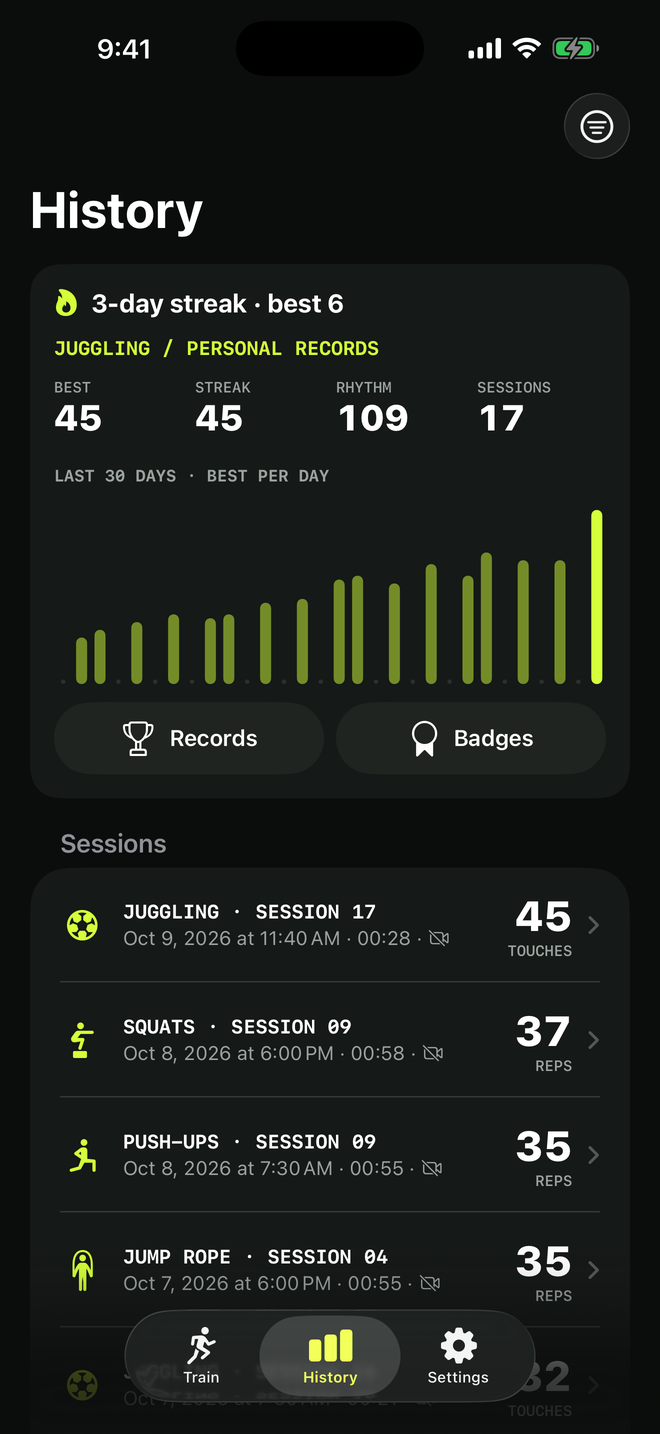
The history screen shows personal records, a chart of your best count day by day, and your streak. Set a weekly goal and aim to train a little on most days rather than a lot once a week. The free plan shows the last 7 days of history; Pro keeps everything and adds extended records.
Challenge a friend
A record means more when someone is chasing it. From a result you can create a challenge and send it as a code, a link or a QR code. Your friend opens it in TouchTally and tries to beat your number. There is no account and no TouchTally server involved: the challenge travels inside the code or link itself.
Keep the counting honest
The count is only useful if the setup is good. If the ball keeps leaving the frame or the background is busy, touches can be missed. See how to set up your phone to count juggling for the details.
Share the moment
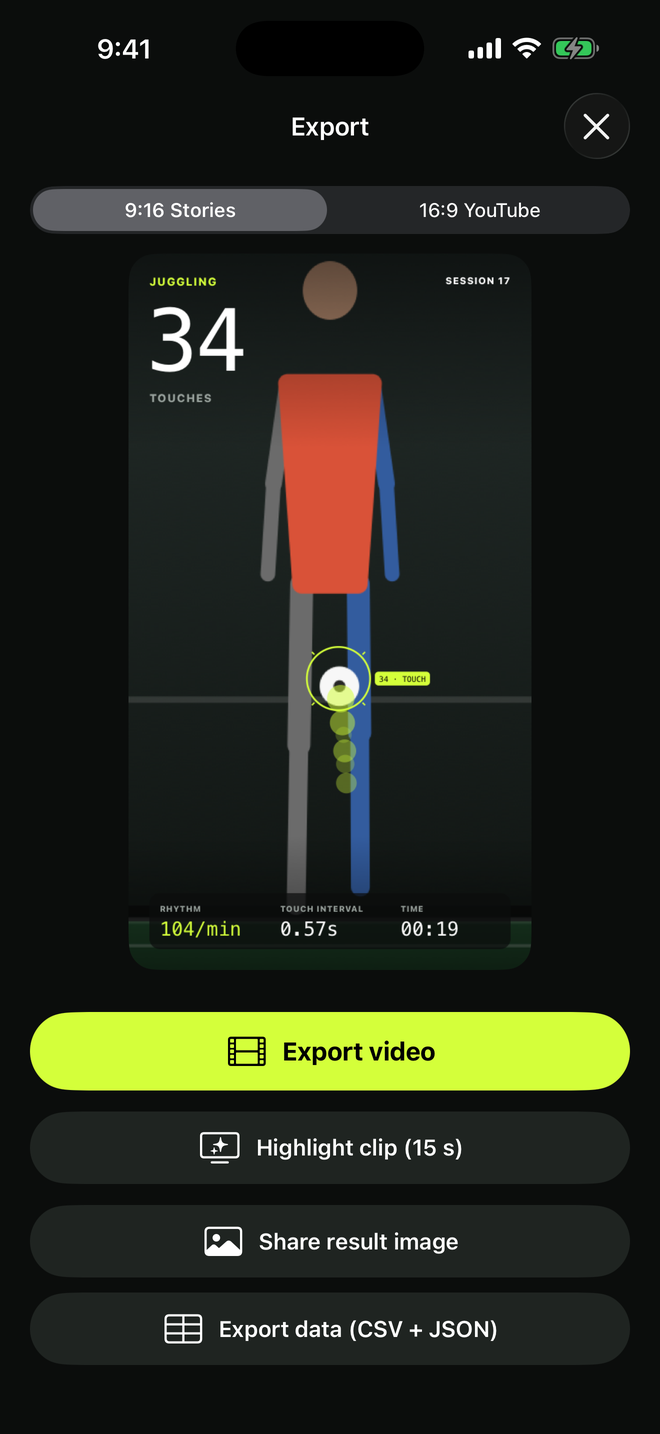
When you finally break the record, export a result image (free, with a small watermark), or with Pro a video with the count on top in 9:16 or 16:9, or a 15-second highlight clip.
Next steps
See what TouchTally Pro adds, or read the support page for questions about replay and records.
See the product in action
Related guides
How to set up your phone to count soccer juggling
Where to put your phone, how far away, and what light and background to use so TouchTally counts every juggling touch. Plus quick fixes when the count is off.
Count jump rope, push-ups and squats with your phone
Where to put your phone for each TouchTally drill, how jump rope can be counted by the sound of the rope, and how sets, rest and form feedback work.
Training video, kids and privacy: how TouchTally handles it
Where TouchTally keeps sessions and videos, what the camera and microphone are for, how Minors mode protects young players, and how to delete everything.
Feature walkthroughs
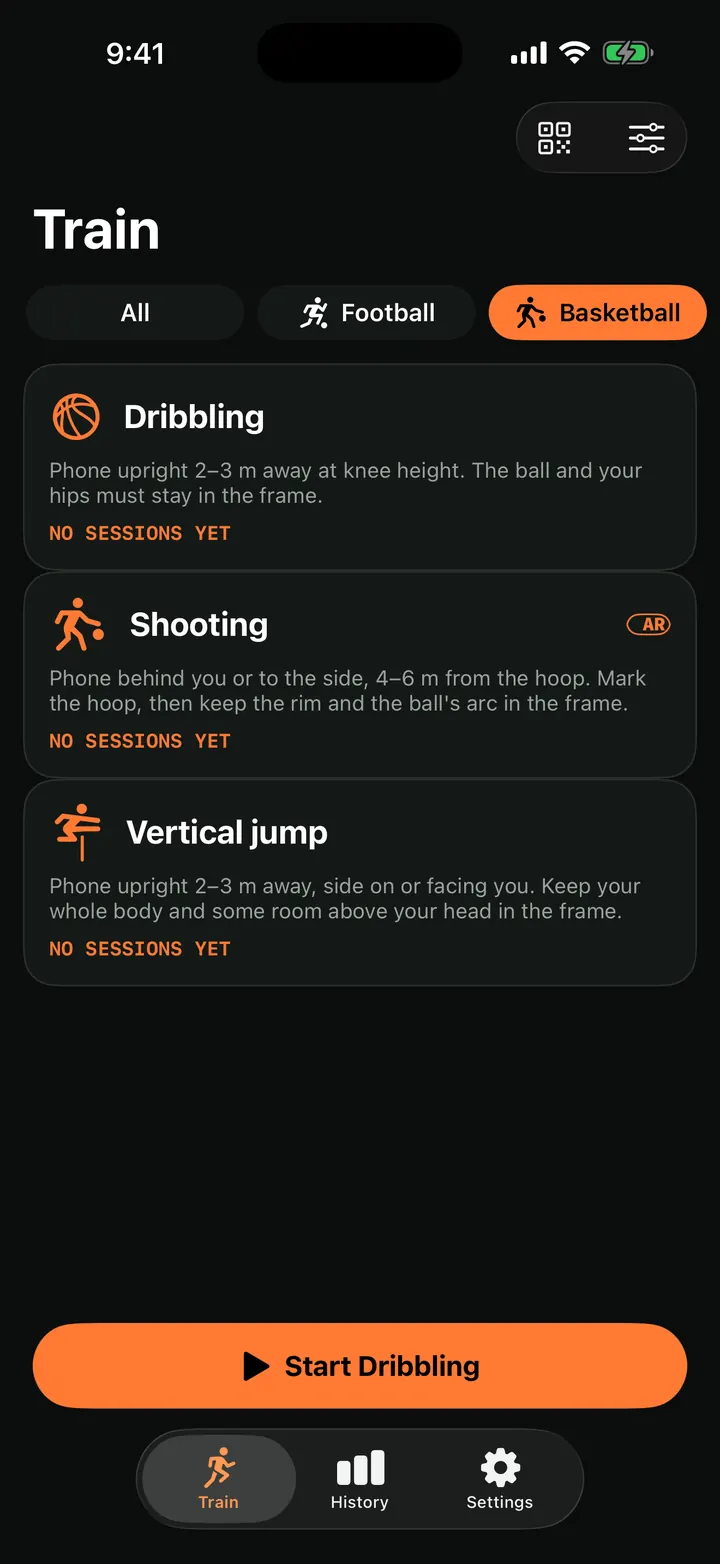
Vertical jump test: measure your jump height with your iPhone
Measure your vertical jump with TouchTally: the iPhone camera counts each jump and works out its height from flight time, or from AR body tracking if supported.
Read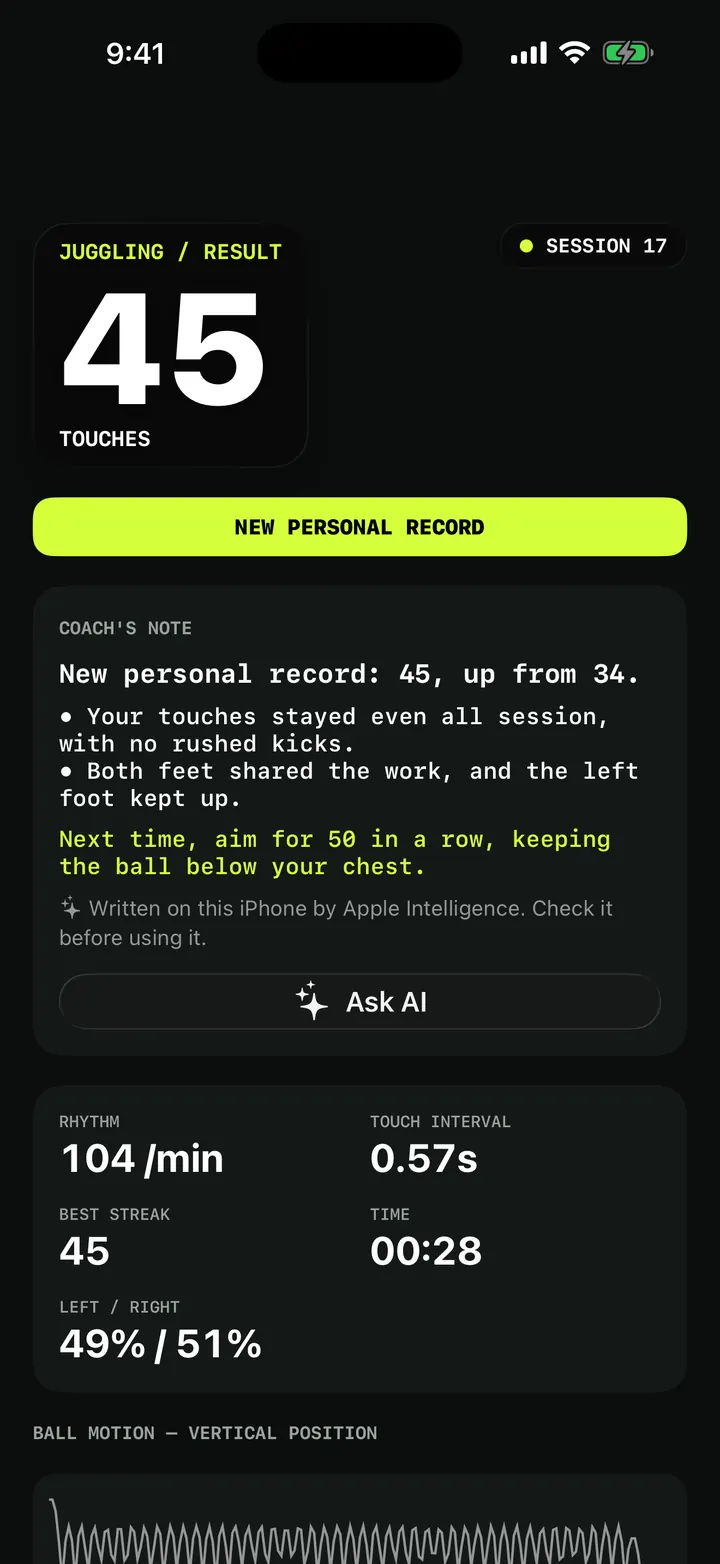
Weak-foot juggling and challenges: patterns, height and first-touch control
Train your weak foot with TouchTally: track left and right touches for free, then try Pro juggling challenges for patterns, ball height and first-touch control.
Read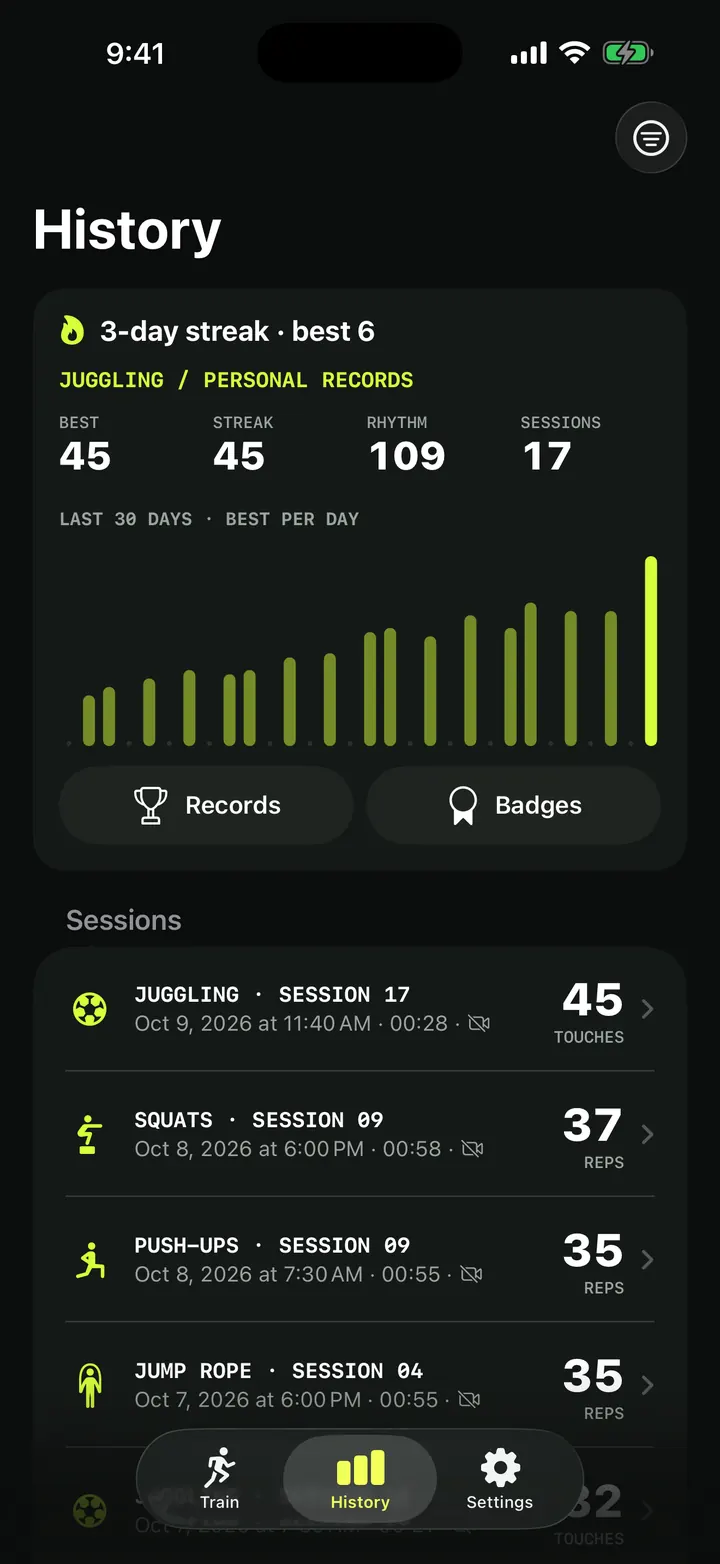
Training history and personal records: every session in one place
How TouchTally's History tab works: the streak line, personal records per drill, the 30-day best-per-day chart, filters, session list and the iPad layout.
Read