How to set up your phone to count soccer juggling
Counting your own juggling touches is hard. You lose count, you argue with yourself about whether that last one counted, and nobody else wants to stand there and count out loud. TouchTally counts with your phone’s camera instead. It follows your body and the ball and counts a touch each time the ball turns back up off your foot, thigh or head.
A camera can only count what it can see, so the setup matters more than anything else. This guide covers where to put the phone, what to avoid, and what to do when a count looks wrong.
The short version
- Prop the phone upright, 2–3 m (6–10 ft) away.
- Keep your whole body and about 1 m (3 ft) above your head in the frame.
- Train in good light, in front of a plain background.
- Press start, step back and juggle.
TouchTally shows the same tip on screen before every juggling session.
Step 1: Find a stable spot
Use a tripod, a phone stand, a water bottle or a bag. The phone must not move during the session, because the camera uses the background to tell the ball from everything else. Put it on the ground or at hip height and point it straight at where you will juggle.
Portrait works well for juggling because the ball goes up as much as it goes sideways.
Step 2: Get the distance right
Too close and the ball leaves the top of the frame. Too far and the ball becomes a few pixels and is harder to follow. Start about 2.5 m away and check the preview: your feet should be well inside the bottom edge, and there should be clear space above your head. If you juggle high, step back a little.
Step 3: Light and background
- Daylight or a bright room is best. Low light makes a fast ball blur.
- Avoid standing against the sun or a bright window, which turns you into a silhouette.
- A plain wall, fence or hedge behind you helps. Other balls, people and moving cars in the background can confuse tracking.
- A ball that contrasts with the background is easier to follow than a white ball against a white wall.
Step 4: Juggle, and listen
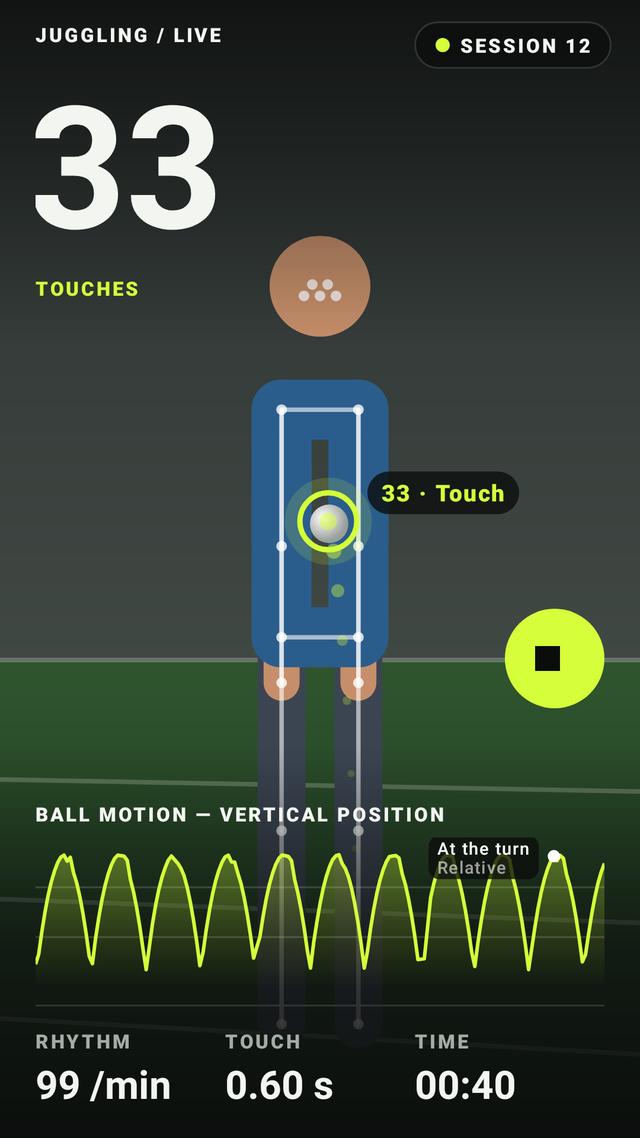
Press start, step into position and begin. TouchTally shows a big live count you can read from across the yard, the rhythm in touches per minute, the time between touches and a chart of the ball’s height. At each milestone it can call out the count or beep, so you do not need to look at the screen.
When the ball drops, stop the session to see your result, your personal best and the session in replay.
When the count is off
Most missed or extra touches have one of a few causes:
- The ball left the frame. Step back so there is more space above your head.
- Low light. Turn on more light or move outside.
- A busy background. Turn to face a plainer wall.
- Someone else in the frame. Keep other people out of view while you train.
Every session can be replayed frame by frame at 0.25×, 0.5× or 1×, with each touch marked. With TouchTally Pro you can fix a miscount in replay with Add or Delete.
Safety
Give yourself space away from walls, windows and roads, and warm up first. TouchTally is a training counter, not medical advice, and counts are estimates.
What is free
Juggling, jump rope, push-ups and squats are free, with live counting, replay of your latest session, the last 7 days of history, personal bests, streaks and challenges. Pro adds more drills, full history and replay, count editing, video export and coaching. See pricing.
Next steps
Once the setup works, read how to beat your juggling record for ways to use rhythm, replay and records to improve. Questions? Visit support.
See the product in action
Related guides
Count jump rope, push-ups and squats with your phone
Where to put your phone for each TouchTally drill, how jump rope can be counted by the sound of the rope, and how sets, rest and form feedback work.
Training video, kids and privacy: how TouchTally handles it
Where TouchTally keeps sessions and videos, what the camera and microphone are for, how Minors mode protects young players, and how to delete everything.
How to beat your juggling record: rhythm, replay and records
Use TouchTally’s rhythm, touch interval, slow-motion replay, streaks and challenges to understand why a juggling run ends and how to make the next one longer.
Feature walkthroughs
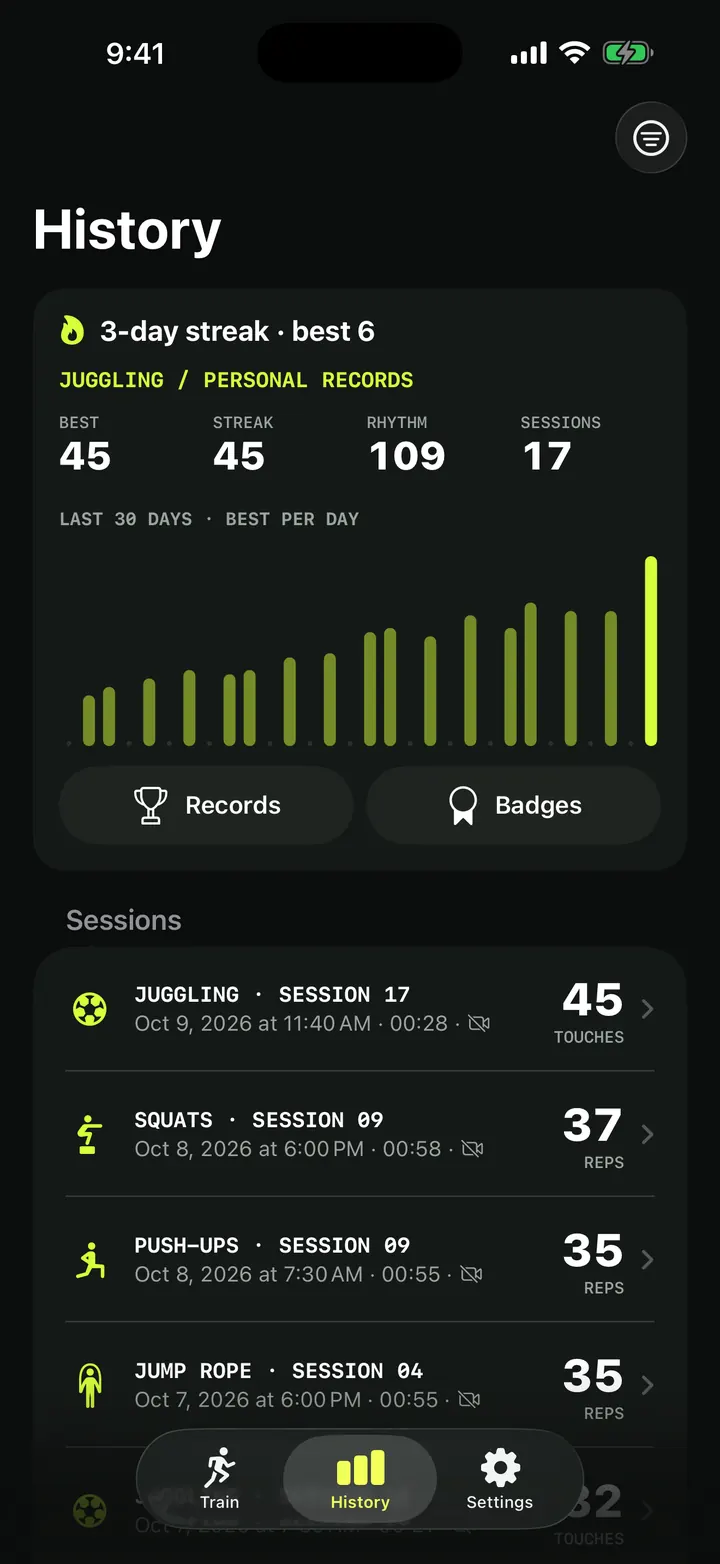
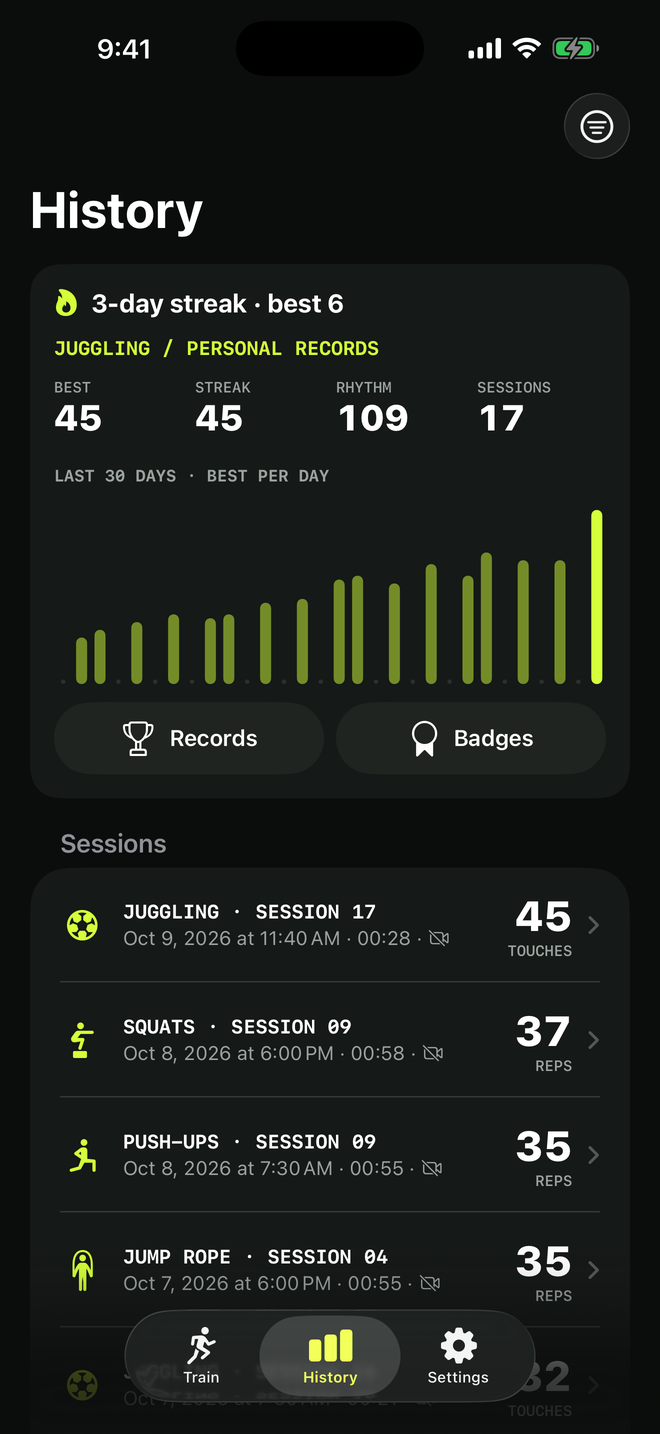
Training history and personal records: every session in one place
How TouchTally's History tab works: the streak line, personal records per drill, the 30-day best-per-day chart, filters, session list and the iPad layout.
Read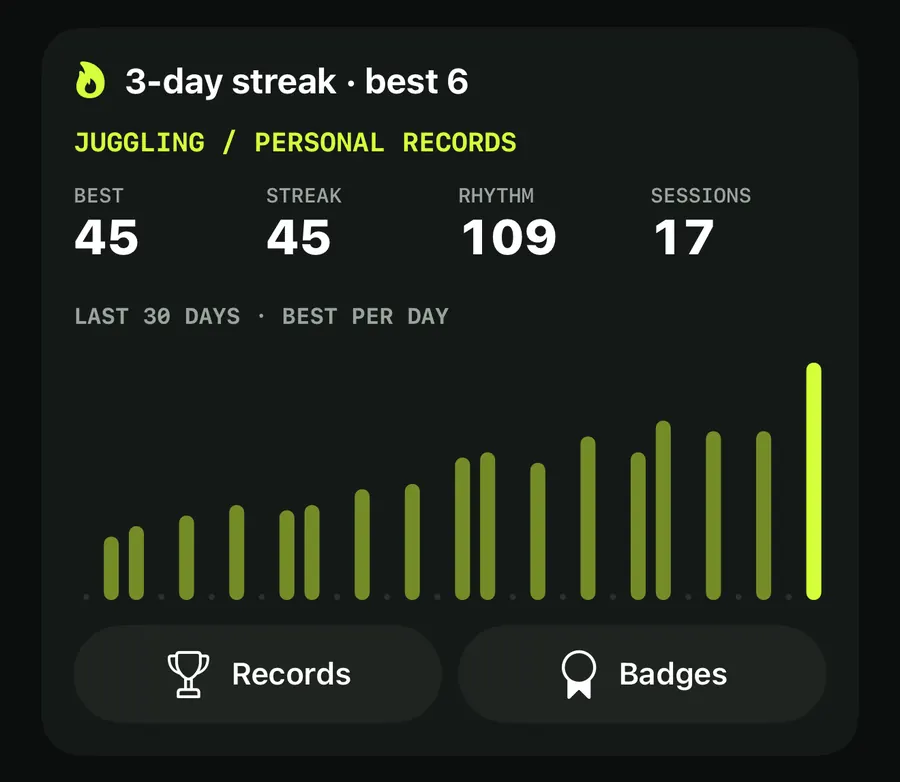
Training streaks, a weekly goal and badges that keep you coming back
How TouchTally counts day streaks with a weekly freeze day, sets a weekly training goal with reminders, awards 22 badges and puts it all in a widget.
Read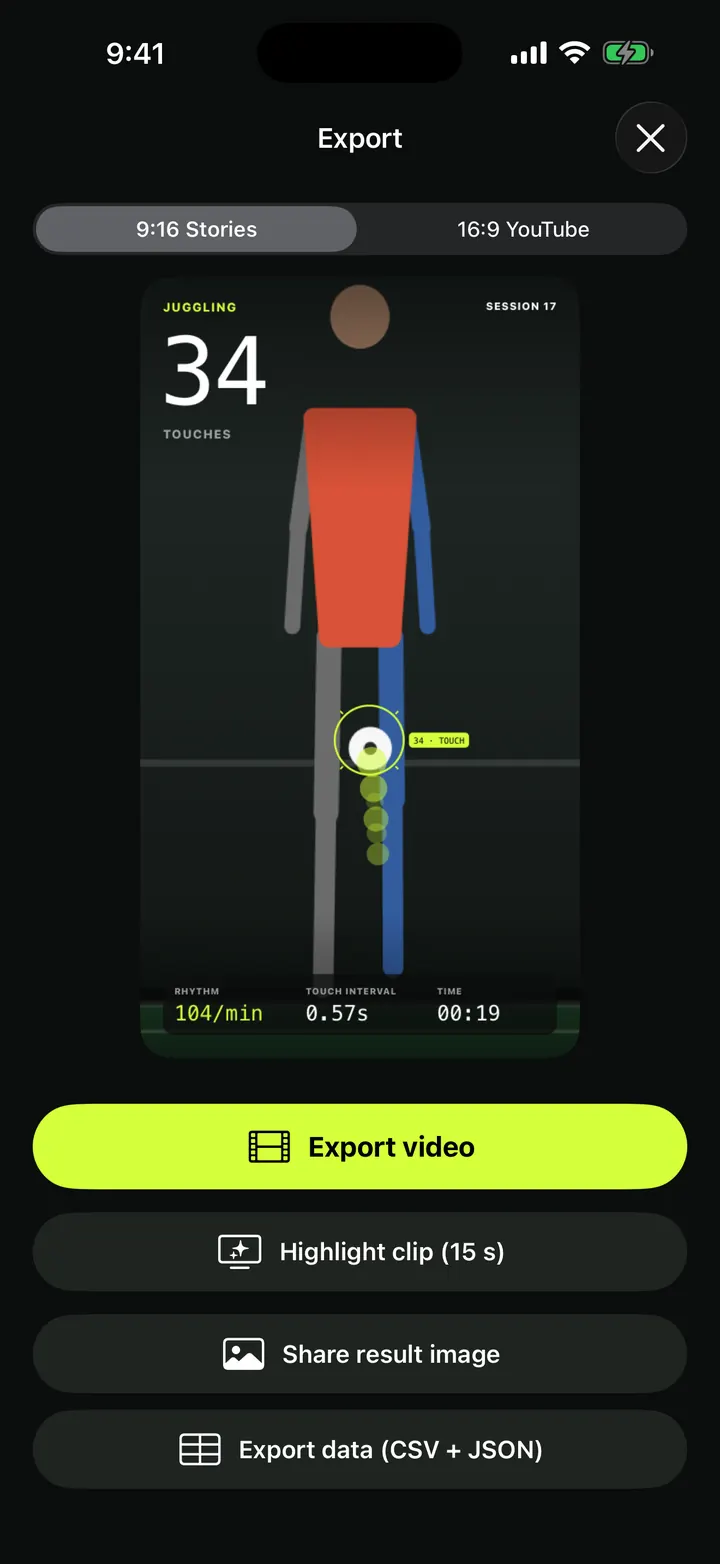
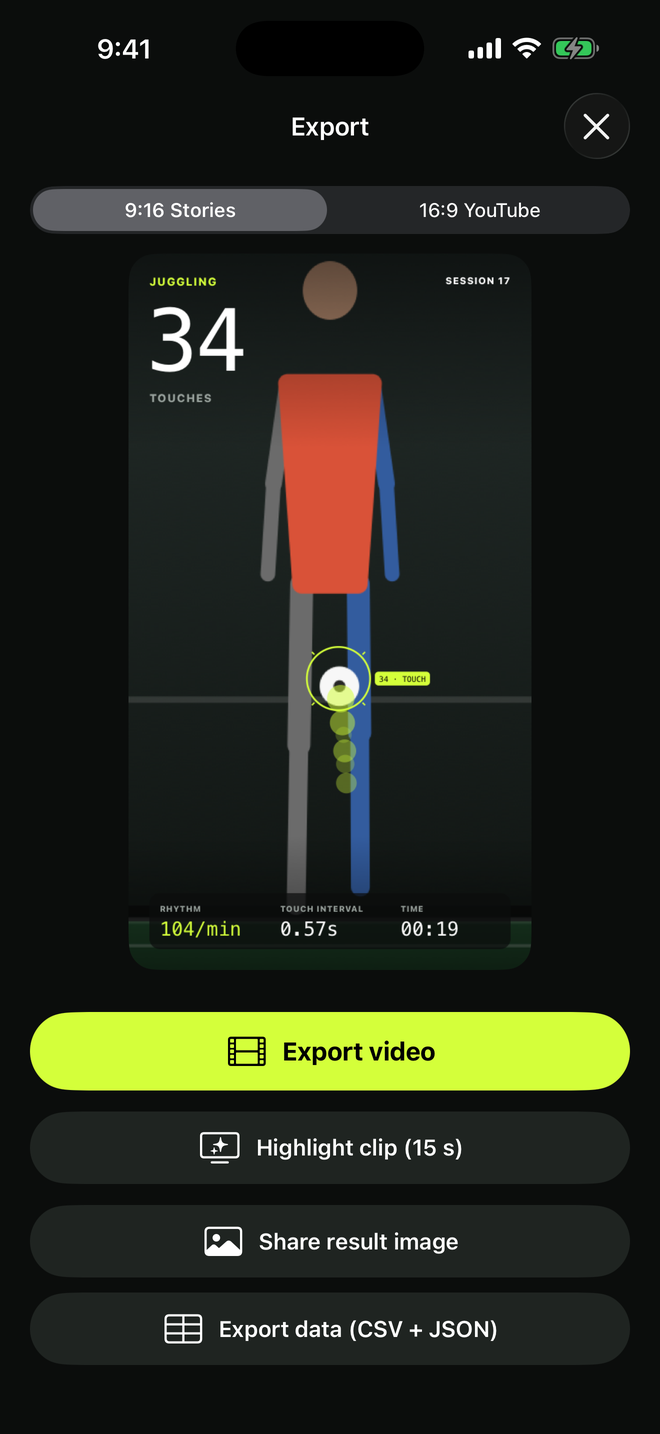
Overlay video export: your session with the count burned in, 9:16 or 16:9
Export a TouchTally session as an mp4 with the live count, ball ring and stats on top, in 9:16 for Stories or 16:9 for YouTube, or cut a 15 s highlight clip.
Read