TouchTally blog: features and guides
Features
One feature per article: what it does, how to use it and its limits.
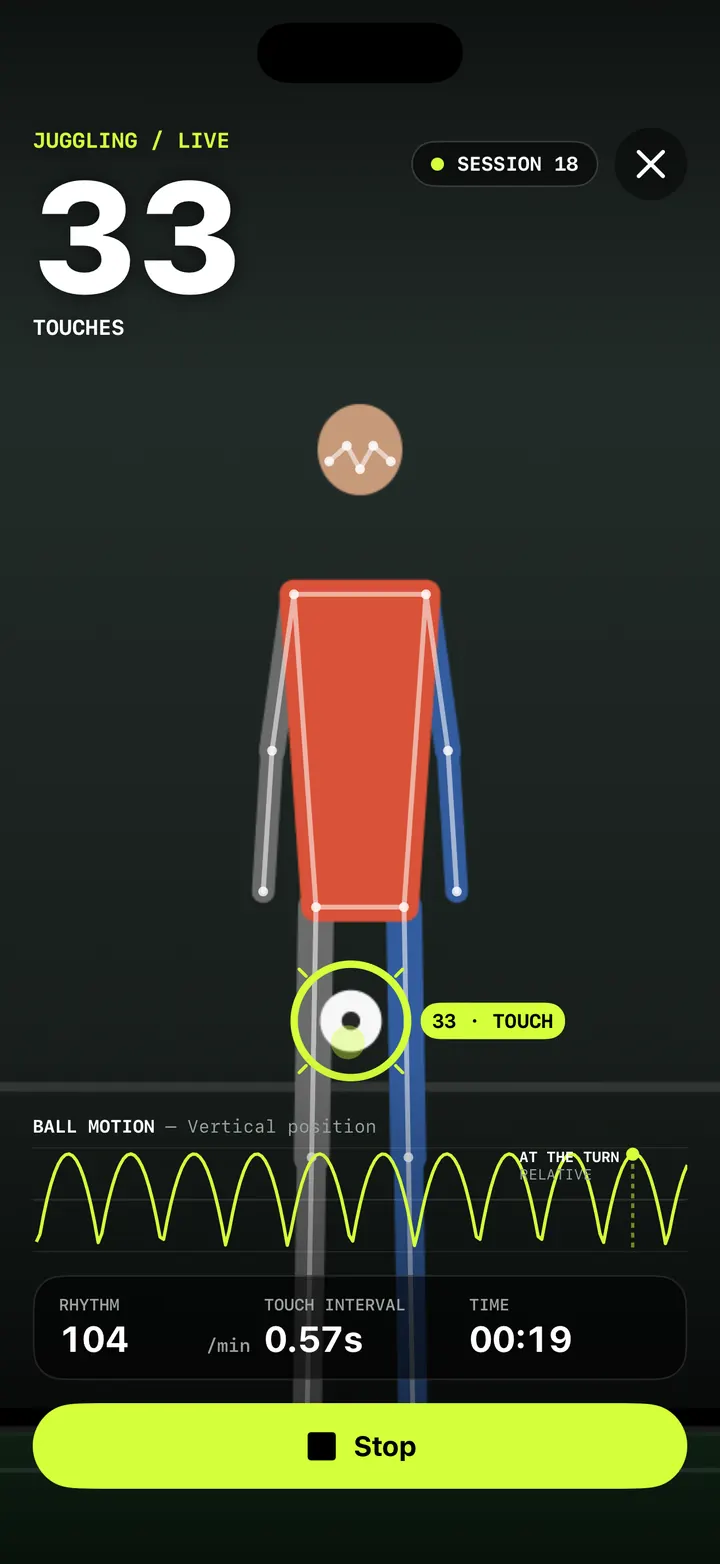
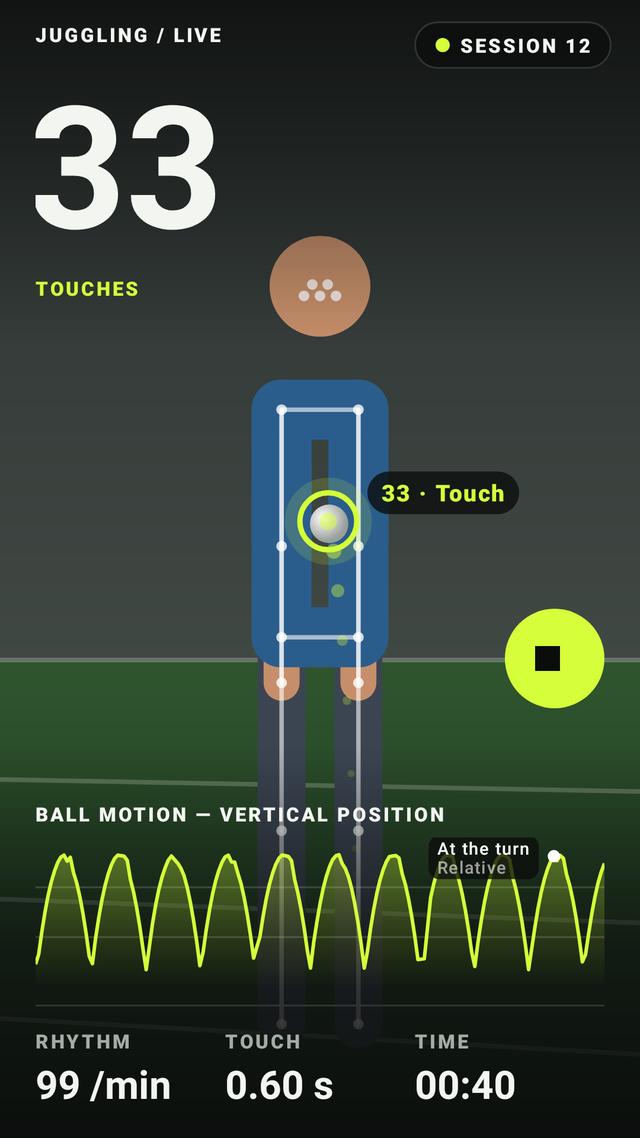
Live juggling counter: count every touch with your iPhone camera
How TouchTally counts soccer juggling touches live with the iPhone camera: the setup check, locking on to your ball, the big count and the spoken milestones.
Read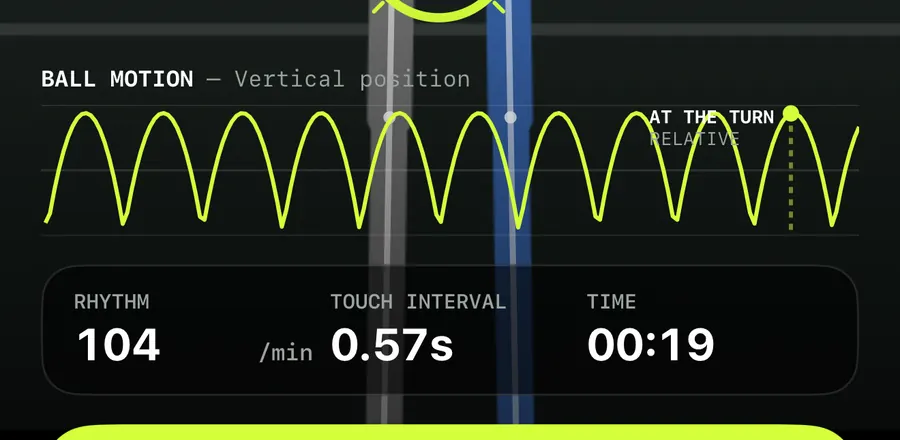
Ball motion chart and rhythm stats: read how even your touches are
How to read TouchTally's BALL MOTION chart, rhythm per minute and touch interval, and how the Pro metronome scores your touches against a steady beat.
Read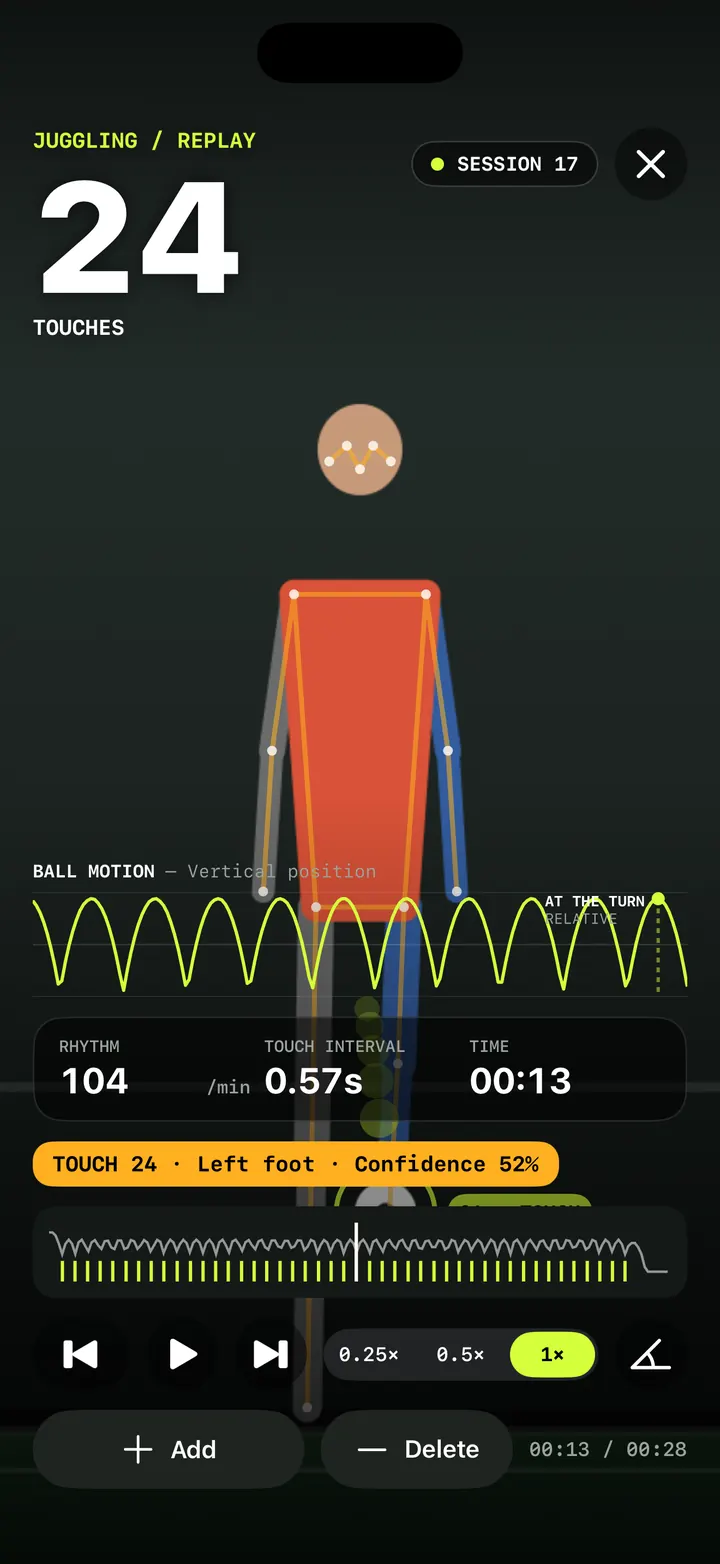
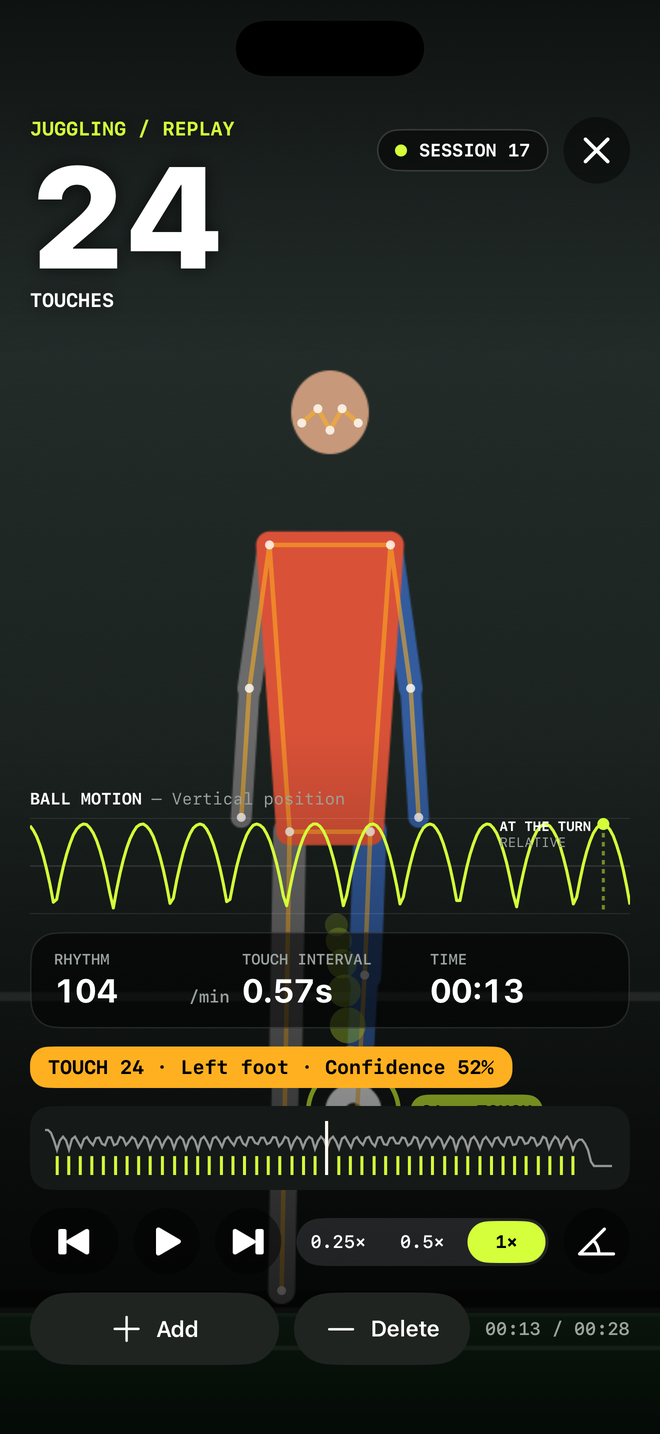
Replay and fix your count: check every touch in slow motion
Step through every counted touch or rep in TouchTally's replay at 0.25×, spot low-confidence counts, and with Pro add or delete the ones the camera got wrong.
ReadReplay angle tool: measure joint angles on any frame of your session
Pause a TouchTally replay, drag three handles onto your joints and read the angle in degrees and the lean from vertical. Plus the live form view chip.
Read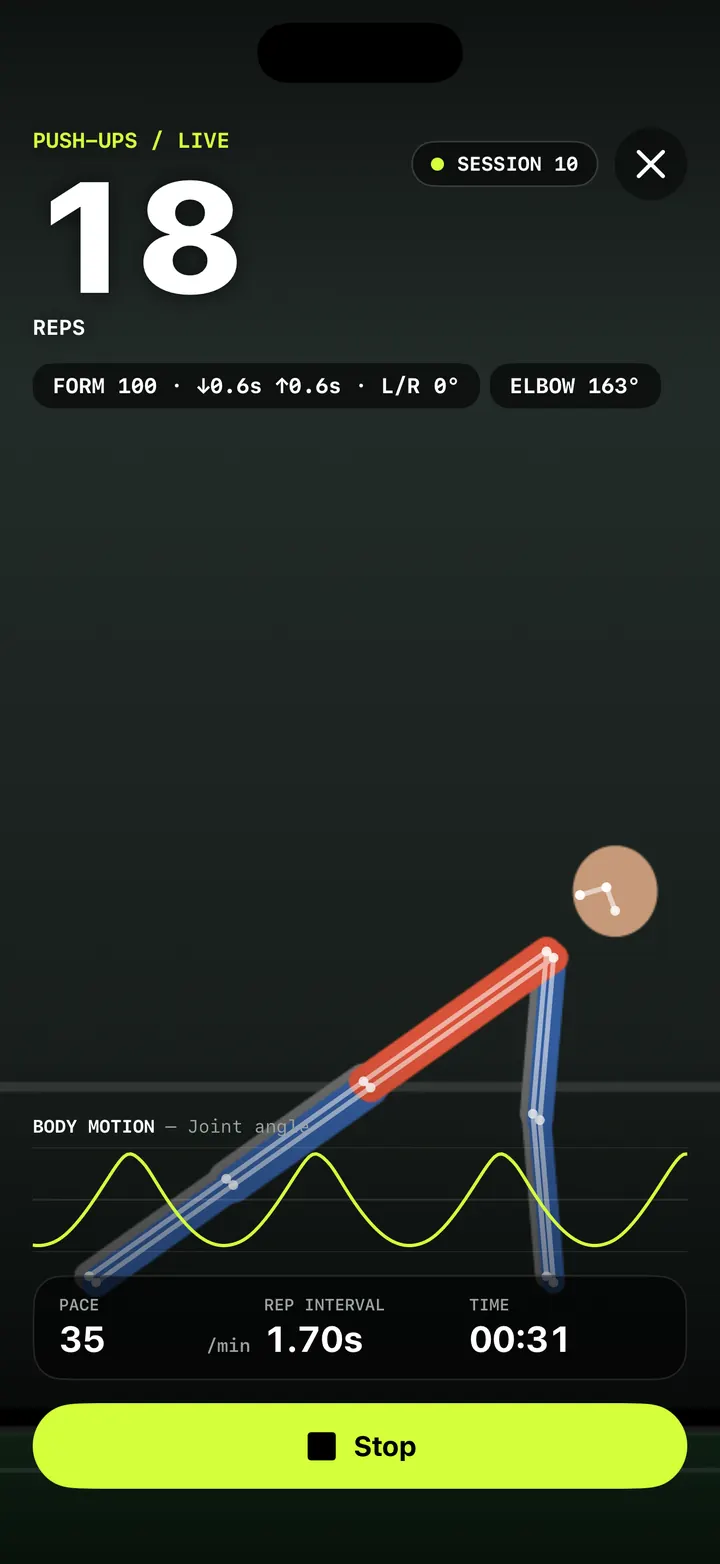
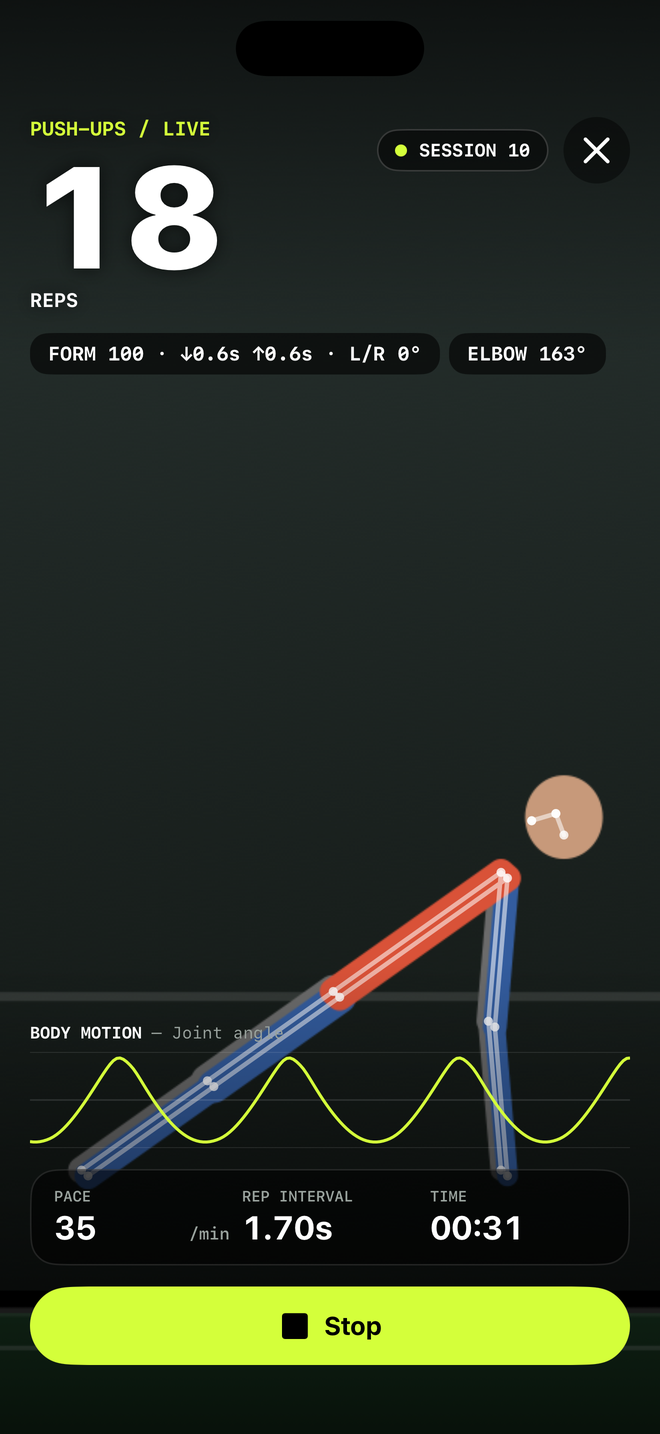
Push-up counter with a form score: count clean reps, not just reps
How TouchTally counts push-ups with the iPhone camera, scores each rep for depth, tempo and hip line, and adds voice form cues and a fatigue alert with Pro.
Read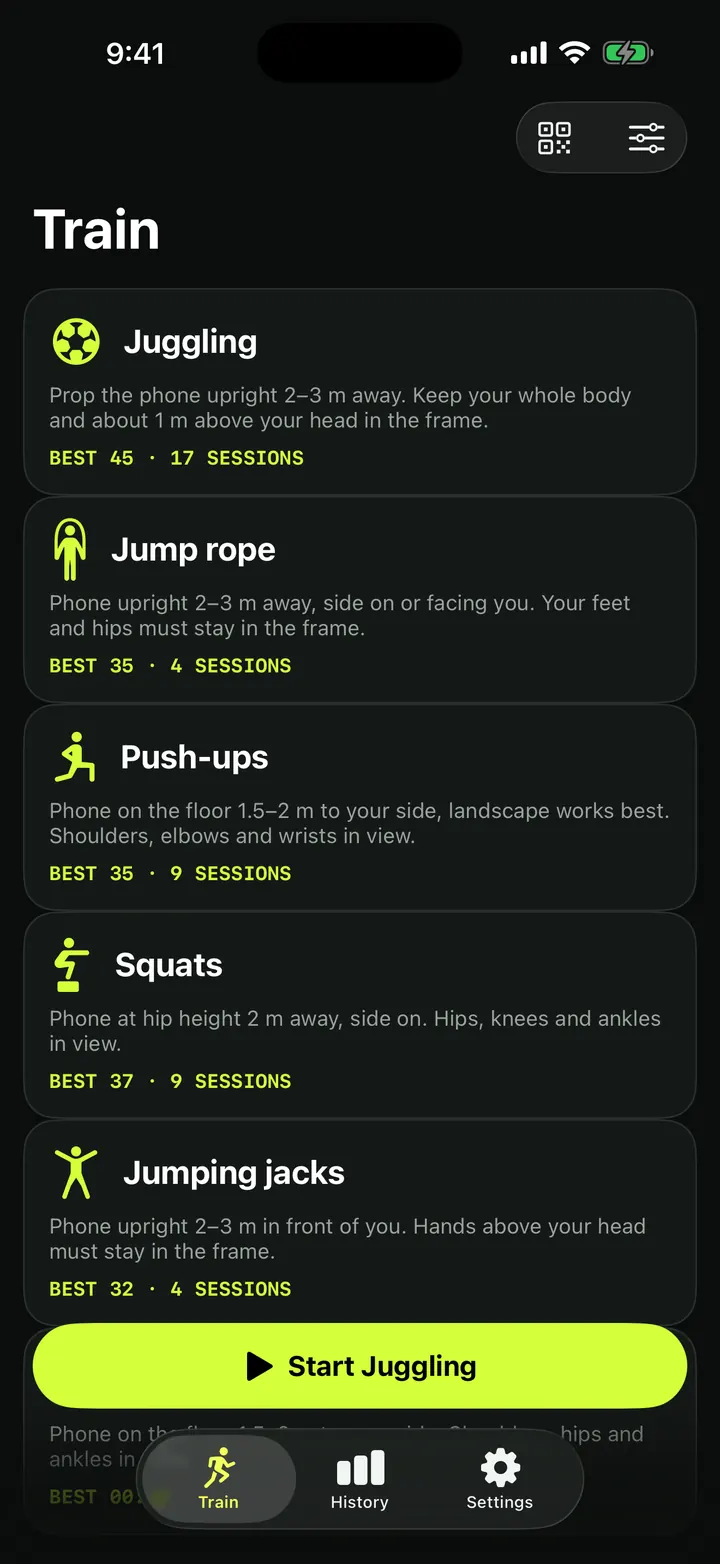
Squat counter: count clean reps with depth, tempo and symmetry checks
How TouchTally counts squats with the iPhone camera, checks depth and tempo on every rep, counts clean reps and, with Pro, compares left and right sides.
ReadJump rope counter: count skips with the camera, or by sound too
How TouchTally counts jump rope with the iPhone camera, how Count by sound adds the microphone to hear the rope, and how the two counts are merged at the end.
Read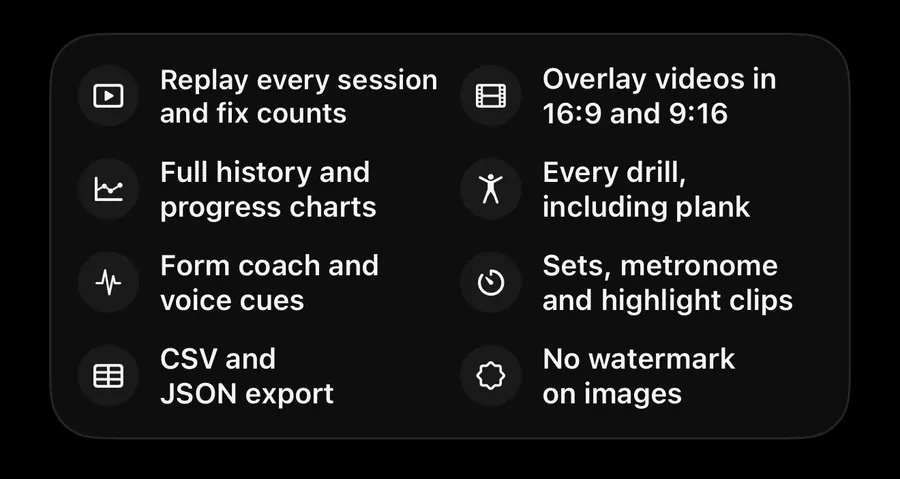
Plank timer that checks your form: only count the seconds you hold
How TouchTally's plank timer uses the iPhone camera to count only the seconds your body stays in line, warns when your hips sag or rise, and maps the hold.
Read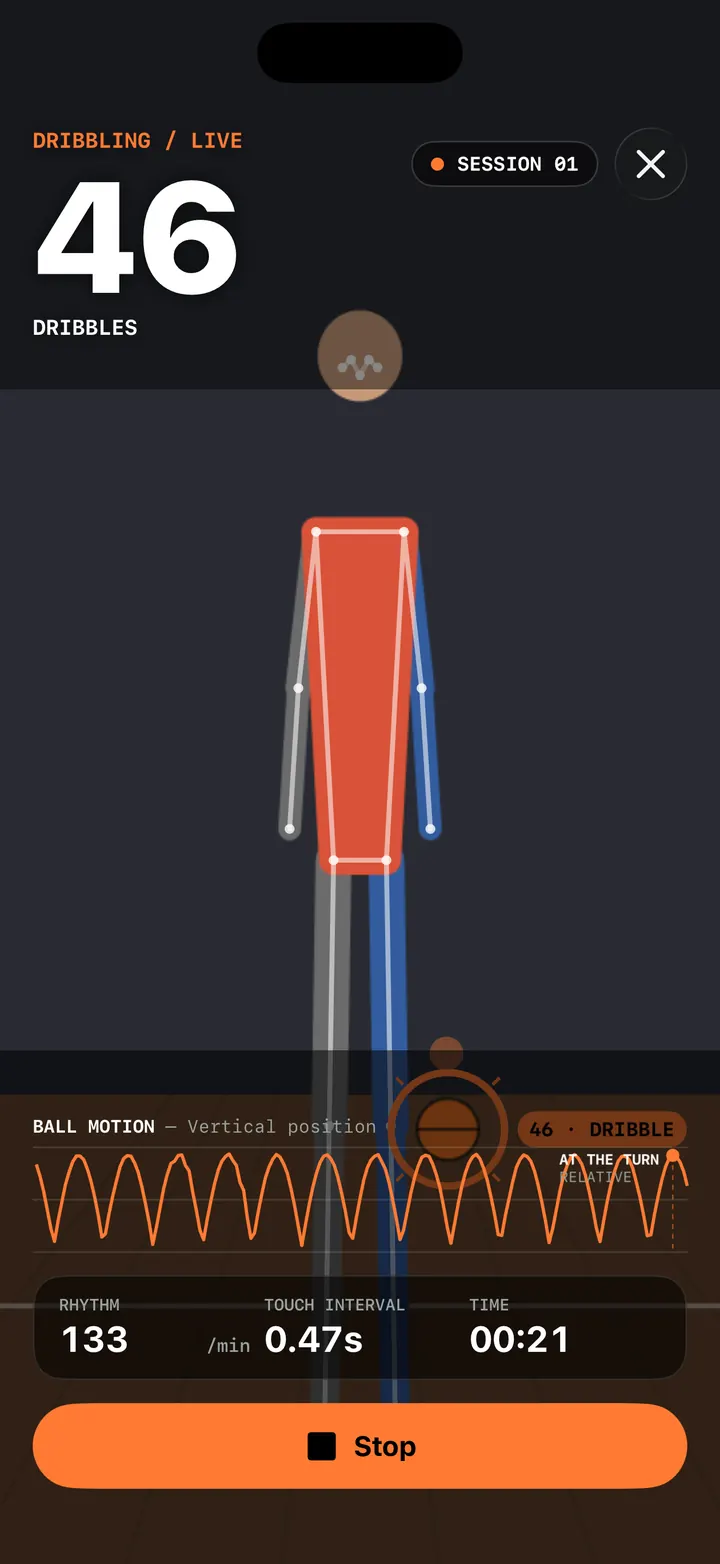
Basketball dribble counter: count dribbles with your iPhone or Apple Watch
Count basketball dribbles with TouchTally: set the iPhone at knee height, see rhythm and best streak, and with Pro count dribbles at the wrist on Apple Watch.
Read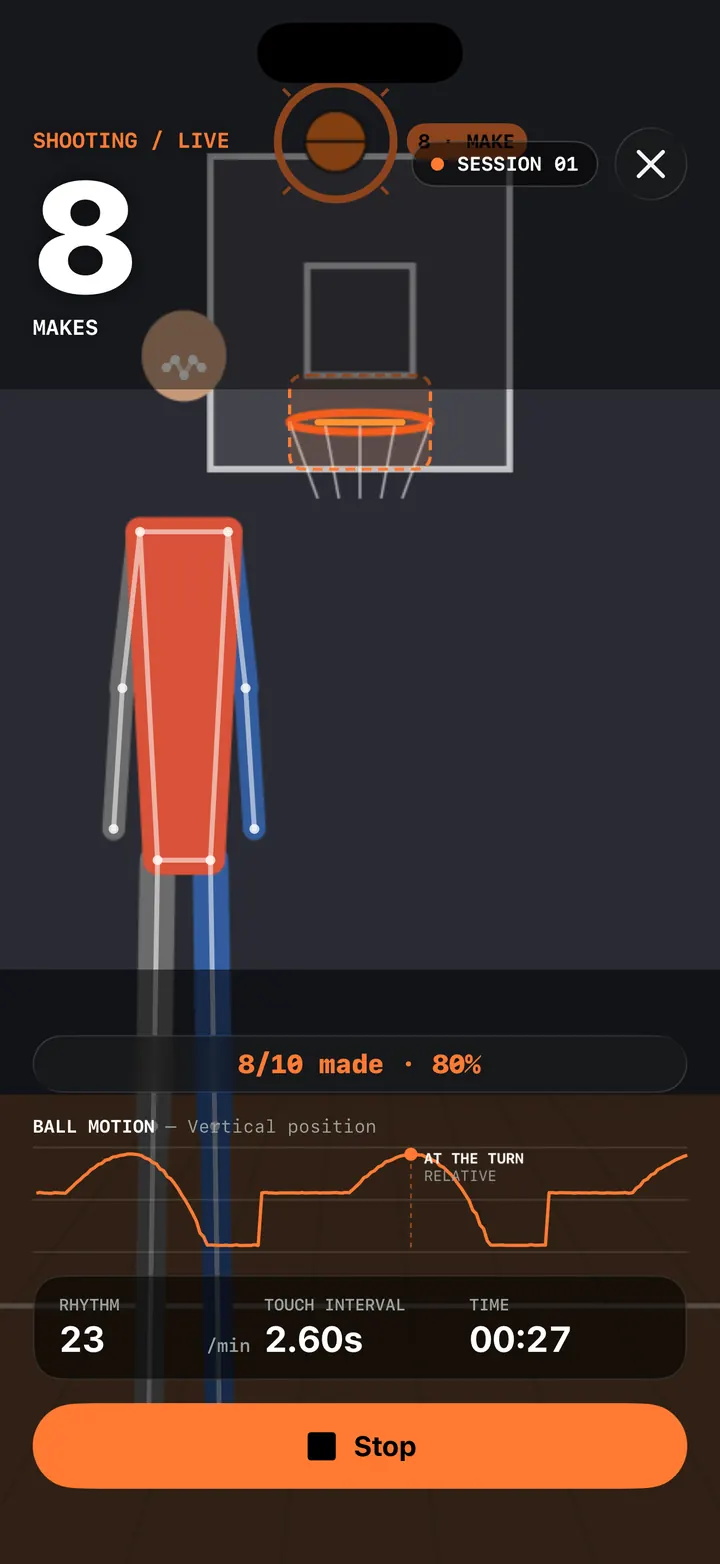
Basketball shot tracker: count makes and misses with AR hoop placement
TouchTally's Shooting drill counts makes and misses from the iPhone camera. Tap the rim to place the hoop with AR, then shoot and see made, missed and your %.
Read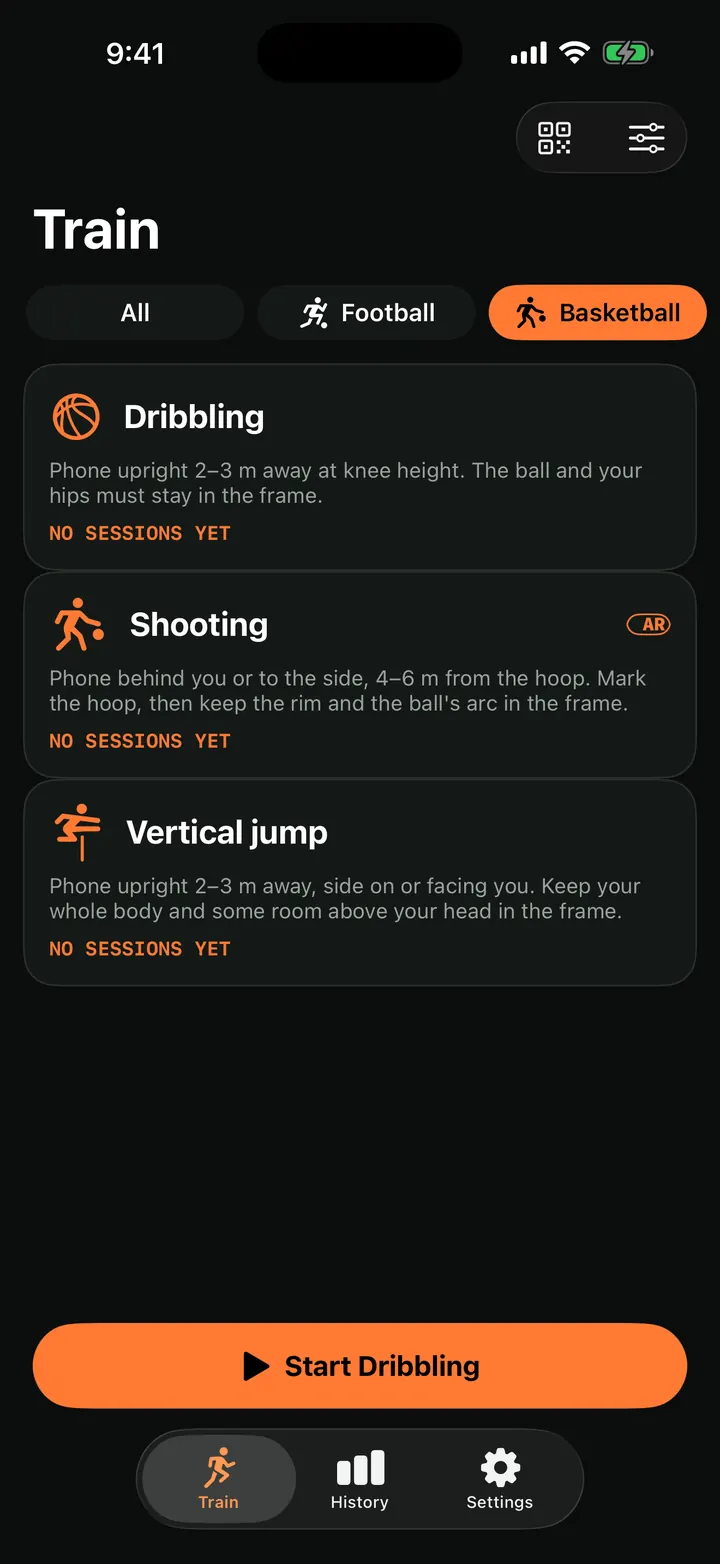
Vertical jump test: measure your jump height with your iPhone
Measure your vertical jump with TouchTally: the iPhone camera counts each jump and works out its height from flight time, or from AR body tracking if supported.
Read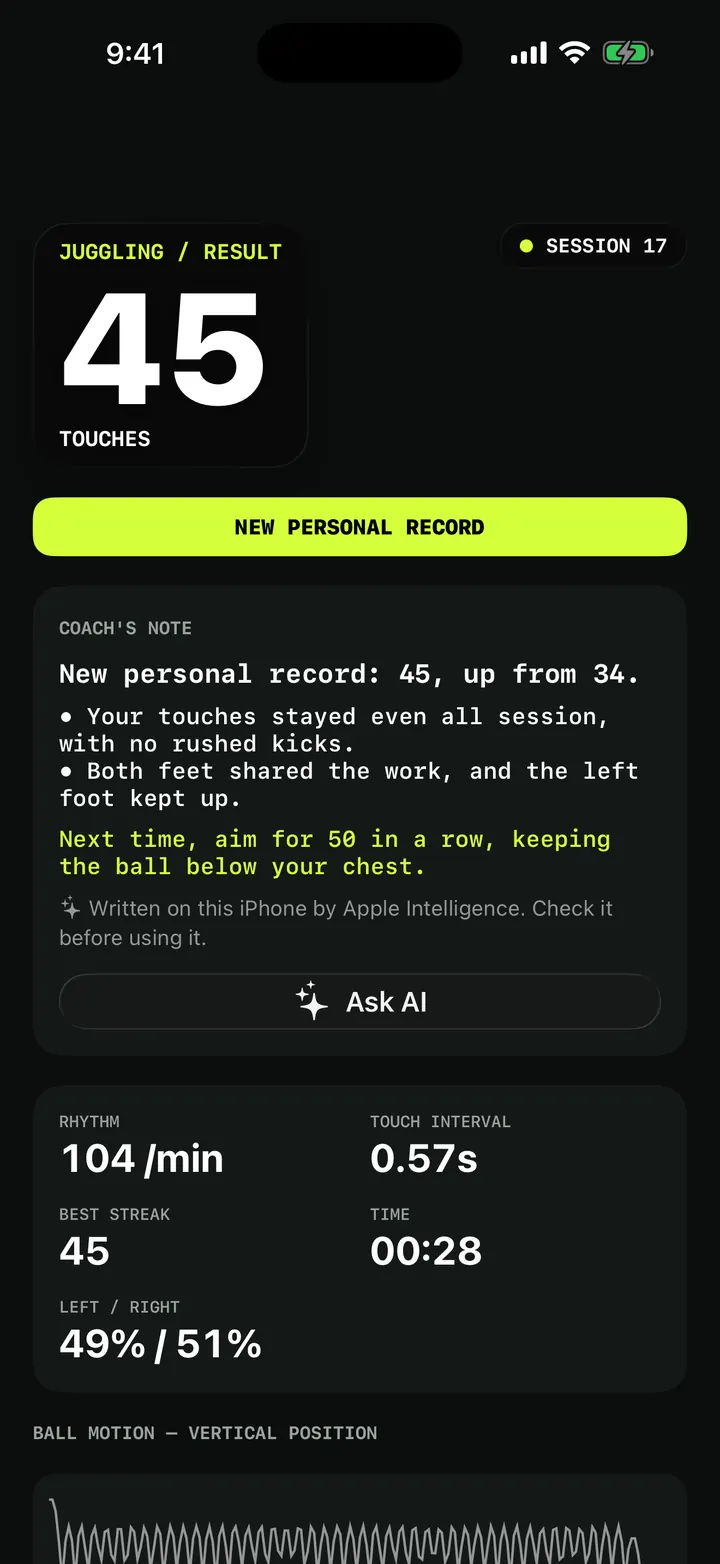
Weak-foot juggling and challenges: patterns, height and first-touch control
Train your weak foot with TouchTally: track left and right touches for free, then try Pro juggling challenges for patterns, ball height and first-touch control.
Read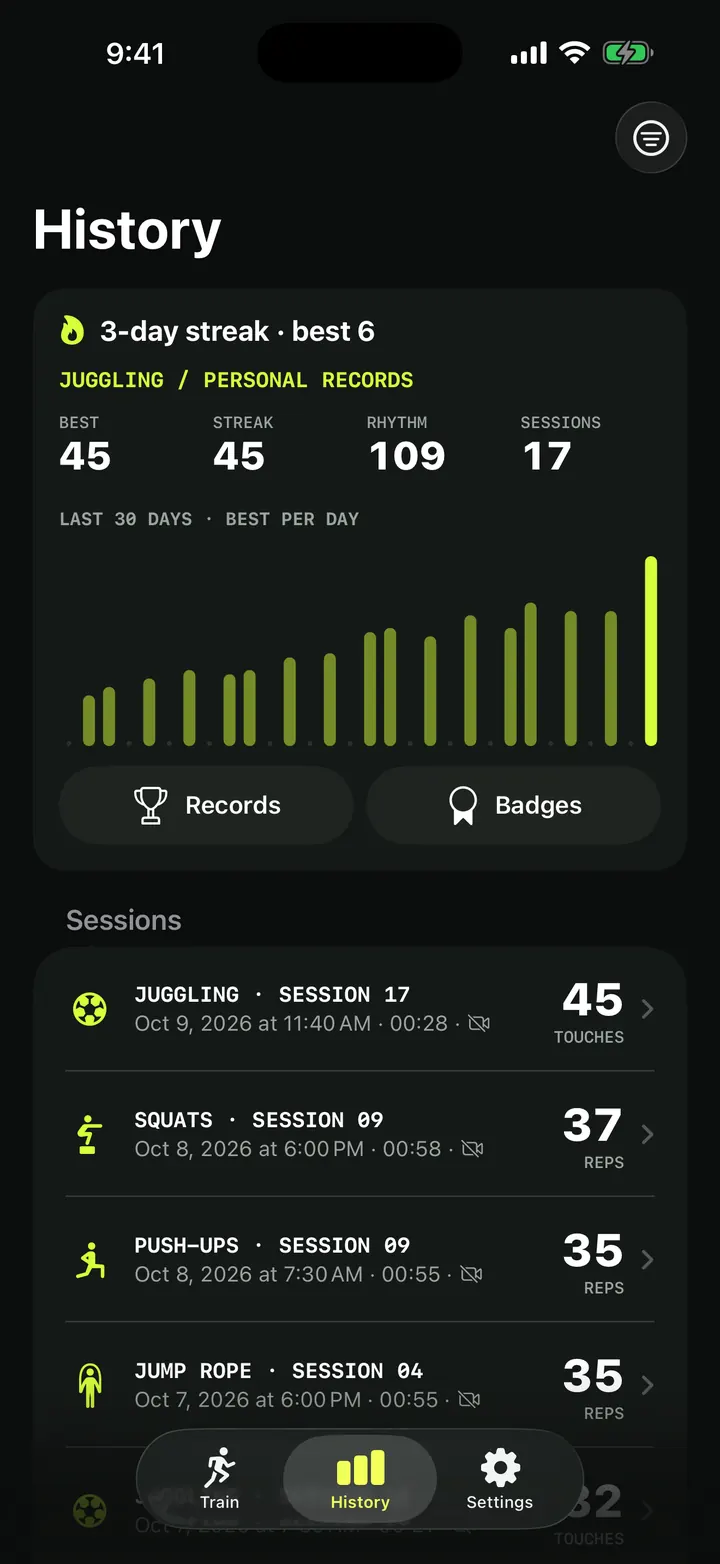
Training history and personal records: every session in one place
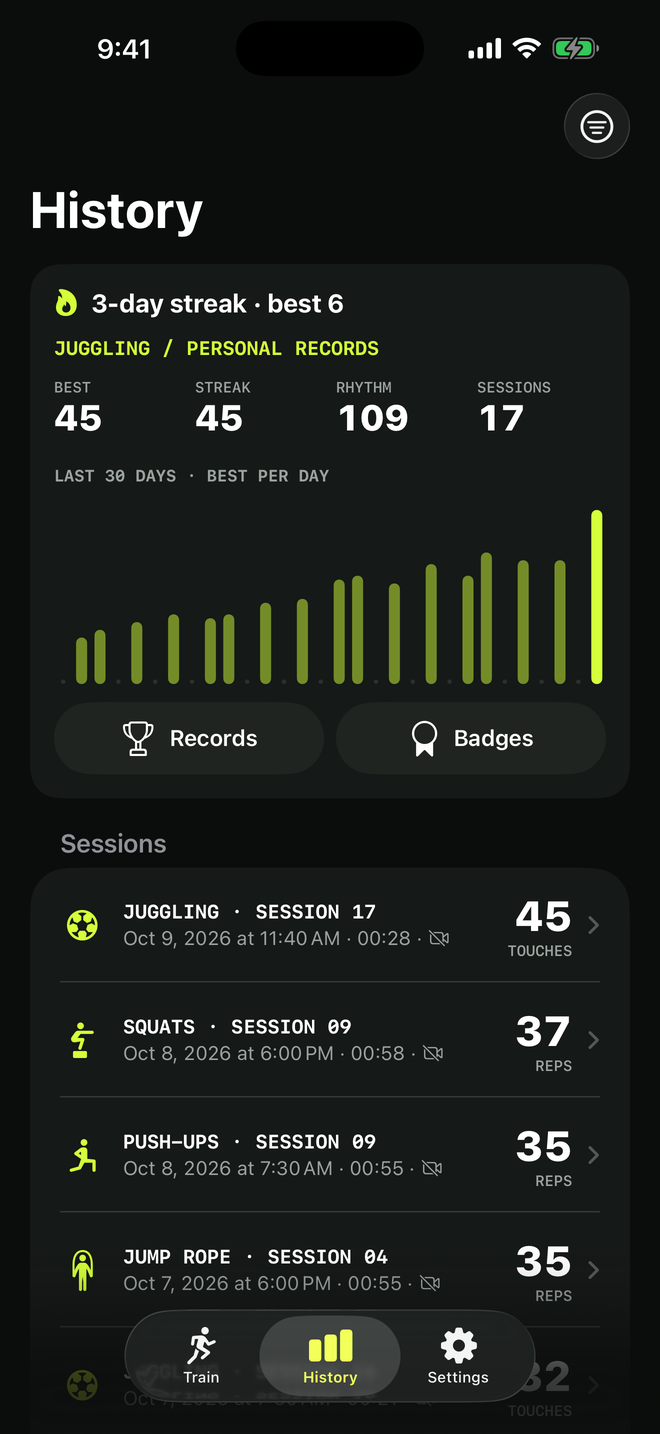
How TouchTally's History tab works: the streak line, personal records per drill, the 30-day best-per-day chart, filters, session list and the iPad layout.
Read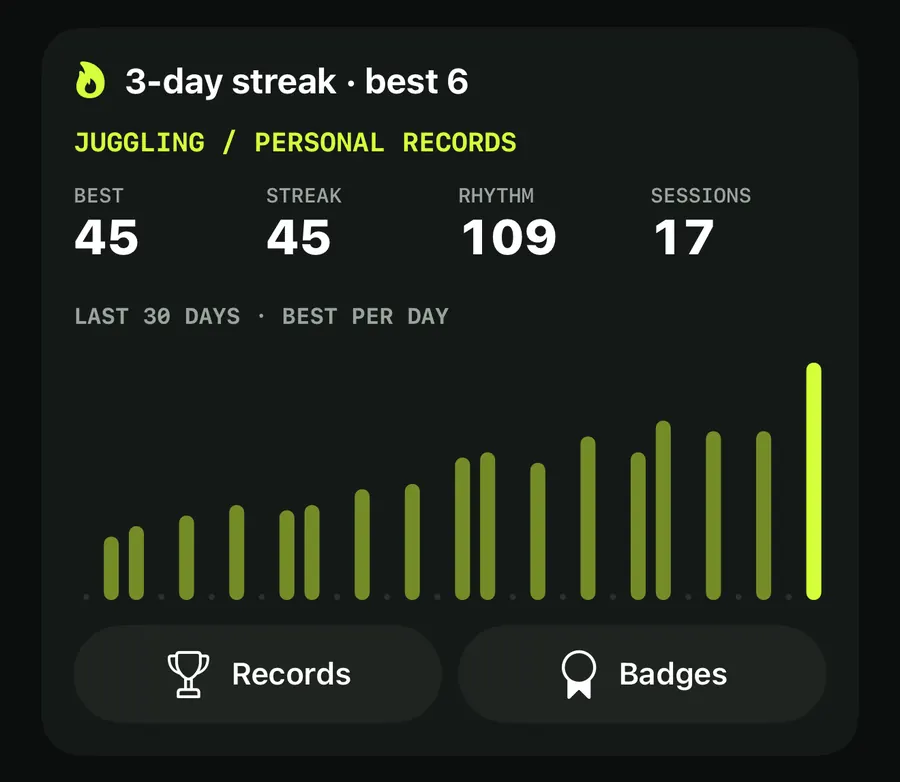
Training streaks, a weekly goal and badges that keep you coming back
How TouchTally counts day streaks with a weekly freeze day, sets a weekly training goal with reminders, awards 22 badges and puts it all in a widget.
Read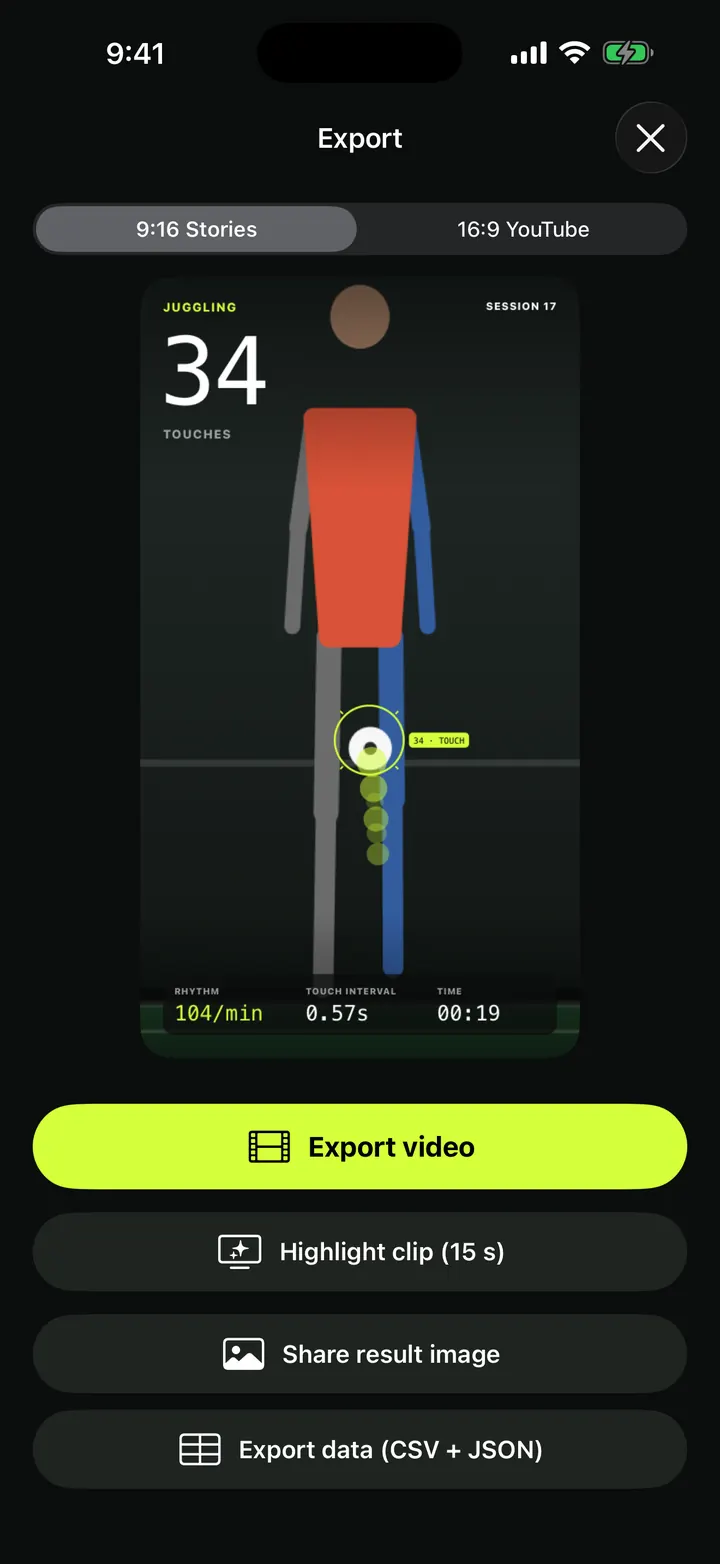
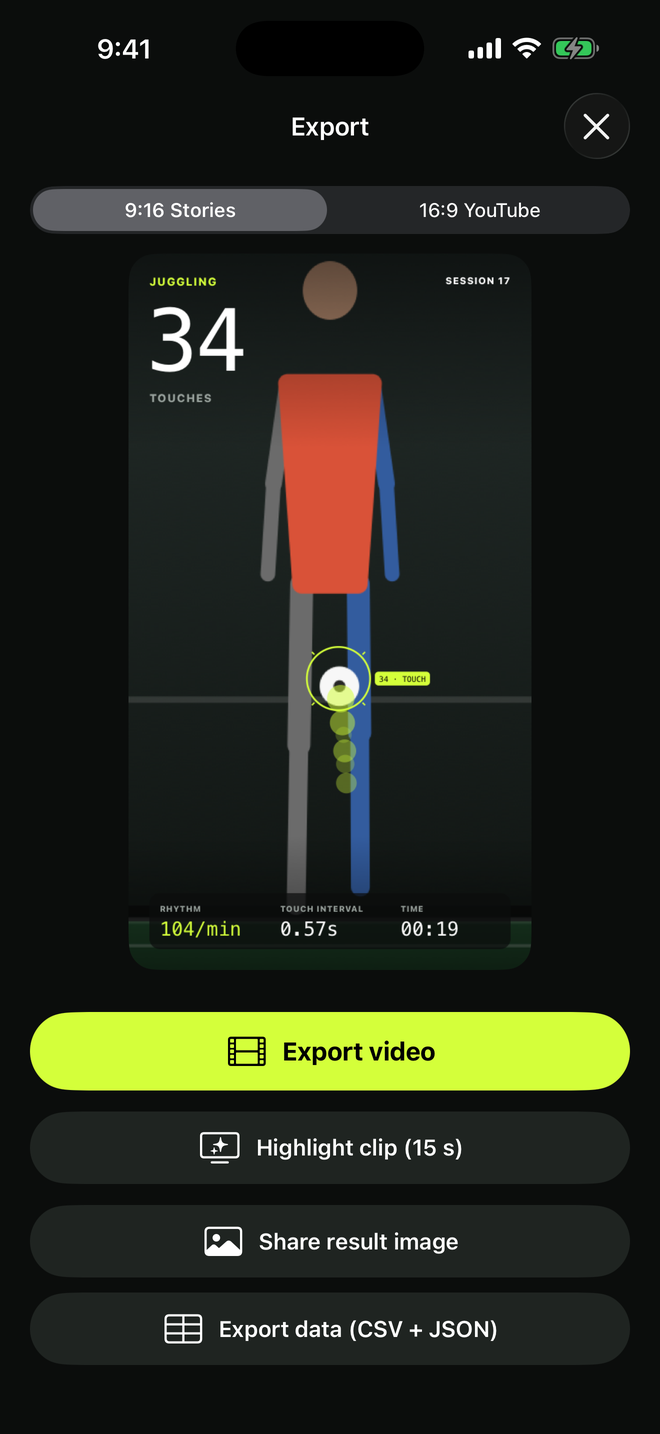
Overlay video export: your session with the count burned in, 9:16 or 16:9
Export a TouchTally session as an mp4 with the live count, ball ring and stats on top, in 9:16 for Stories or 16:9 for YouTube, or cut a 15 s highlight clip.
Read
Result images, CSV and JSON export, PDF progress reports and backups
Share a TouchTally result image in post, story or square size, export sessions as CSV and JSON, make a 30-day PDF progress report or back up with a password.
ReadCoach's note and Ask AI: a short review after every session
How the TouchTally coach's note is written on your iPhone after each session, what happens without Apple Intelligence, and how Ask AI and Plan my week work.
Read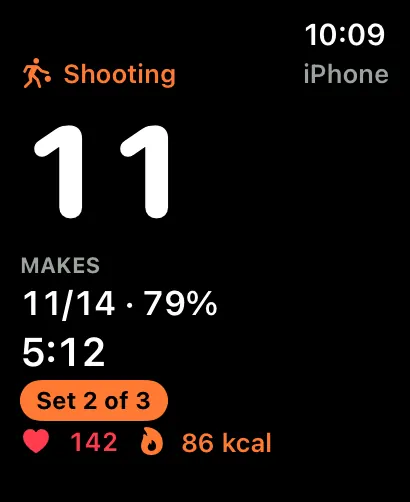
TouchTally on Apple Watch: live count, controls and wrist counting
See the live count from your iPhone on Apple Watch, pause or skip a block from the wrist, record a Health workout and count jump rope with the Watch alone.
ReadFace blur and Minors mode: filming young players with care
Minors mode in TouchTally blurs faces on screen and in Replay, pixellates them in exported videos, and asks a grown-up before anything is shared or sent.
ReadTouchTally Free vs Pro: what you get on each plan
What the free TouchTally plan includes, what Pro adds, and how the Yearly, Monthly and Lifetime plans differ. Counting stays free and unlimited on 8 drills.
ReadGuides
 history and records
How to beat your juggling record: rhythm, replay and records
Use TouchTally’s rhythm, touch interval, slow-motion replay, streaks and challenges to understand why a juggling run ends and how to make the next one longer.
Read guidehistory and recordsHow to set up your phone to count soccer juggling
Where to put your phone, how far away, and what light and background to use so TouchTally counts every juggling touch. Plus quick fixes when the count is off.
Read guide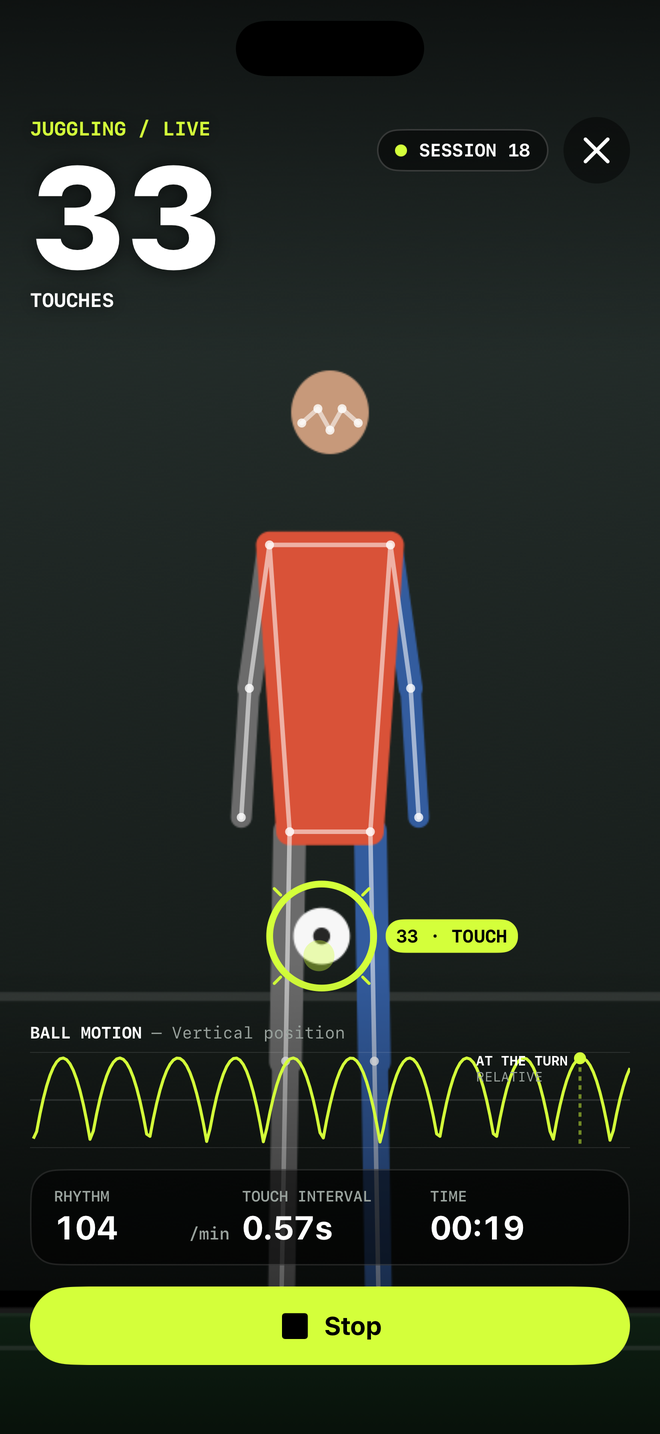 live juggling count
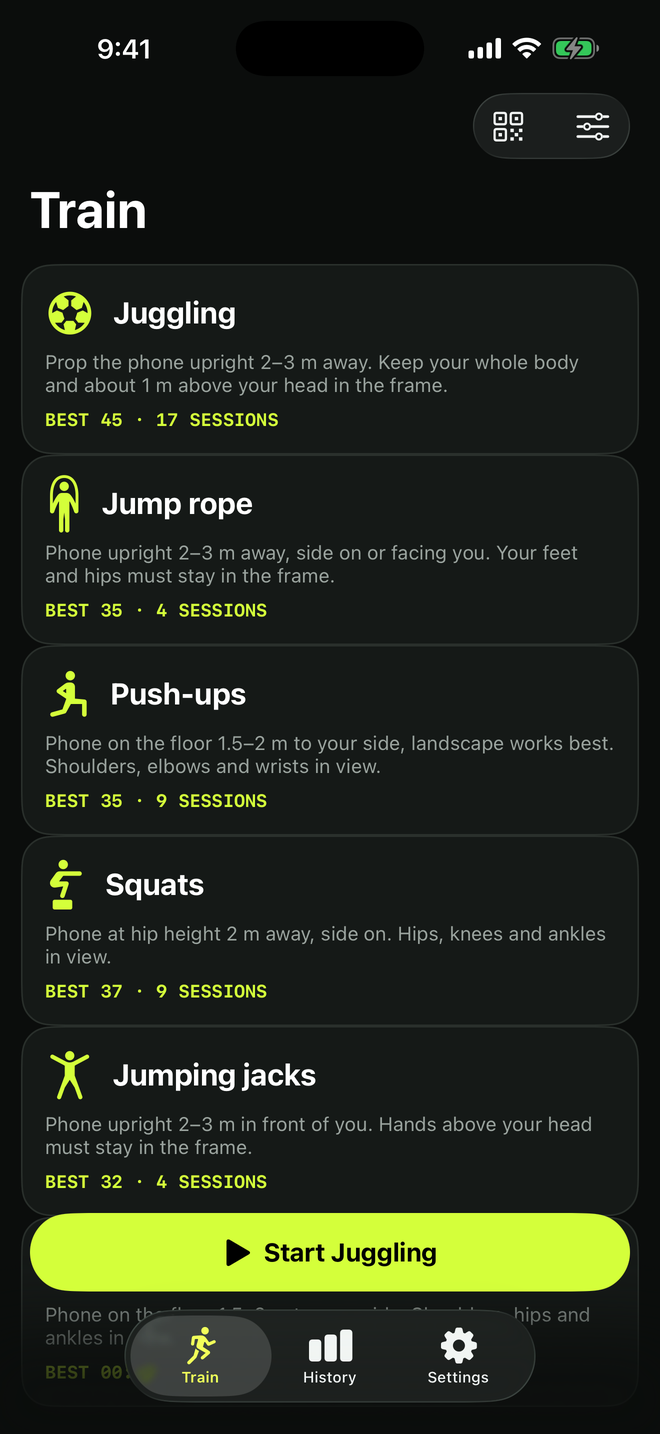
Count jump rope, push-ups and squats with your phone
Where to put your phone for each TouchTally drill, how jump rope can be counted by the sound of the rope, and how sets, rest and form feedback work.
Read guidelive juggling countTraining video, kids and privacy: how TouchTally handles it
Where TouchTally keeps sessions and videos, what the camera and microphone are for, how Minors mode protects young players, and how to delete everything.
Read guideSee the product in action